

QR Code for Cafe WiFi
A cafe WiFi QR code lets guests join your network in one tap, no asking the barista or typing a long password. Print it on table tents, the counter, or receipts. With Qravio's dynamic version you can rotate the password each season without reprinting and see exactly how many guests connect.
How QR codes work for cafe wifi
Guests point their phone camera at the QR code on the table or counter, tap the prompt, and join your WiFi automatically — no password typed, no staff interruption. A dynamic Qravio code points to an editable join page, so when you change your WiFi password you update it once in the dashboard and every printed code instantly serves the new credentials.
Make your Cafe WiFi QR code
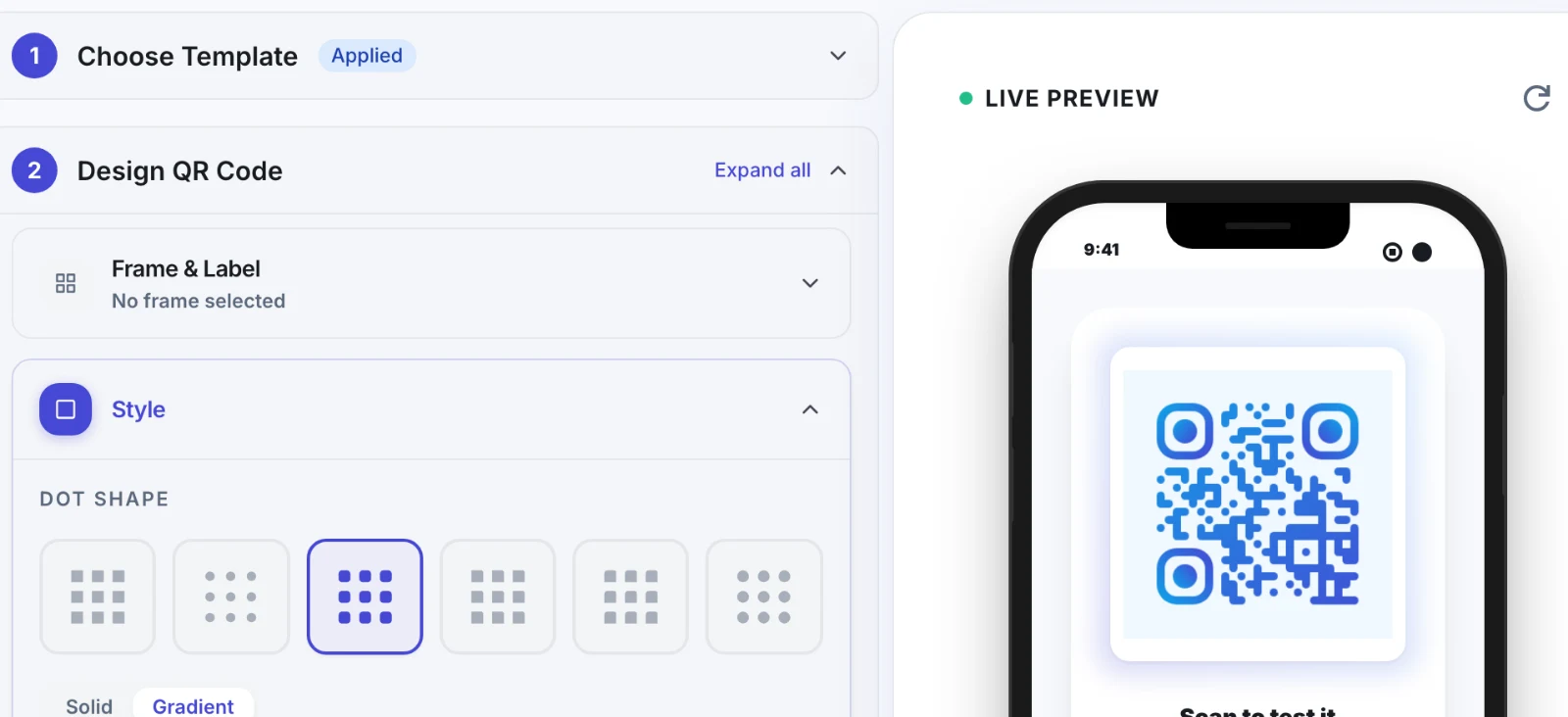
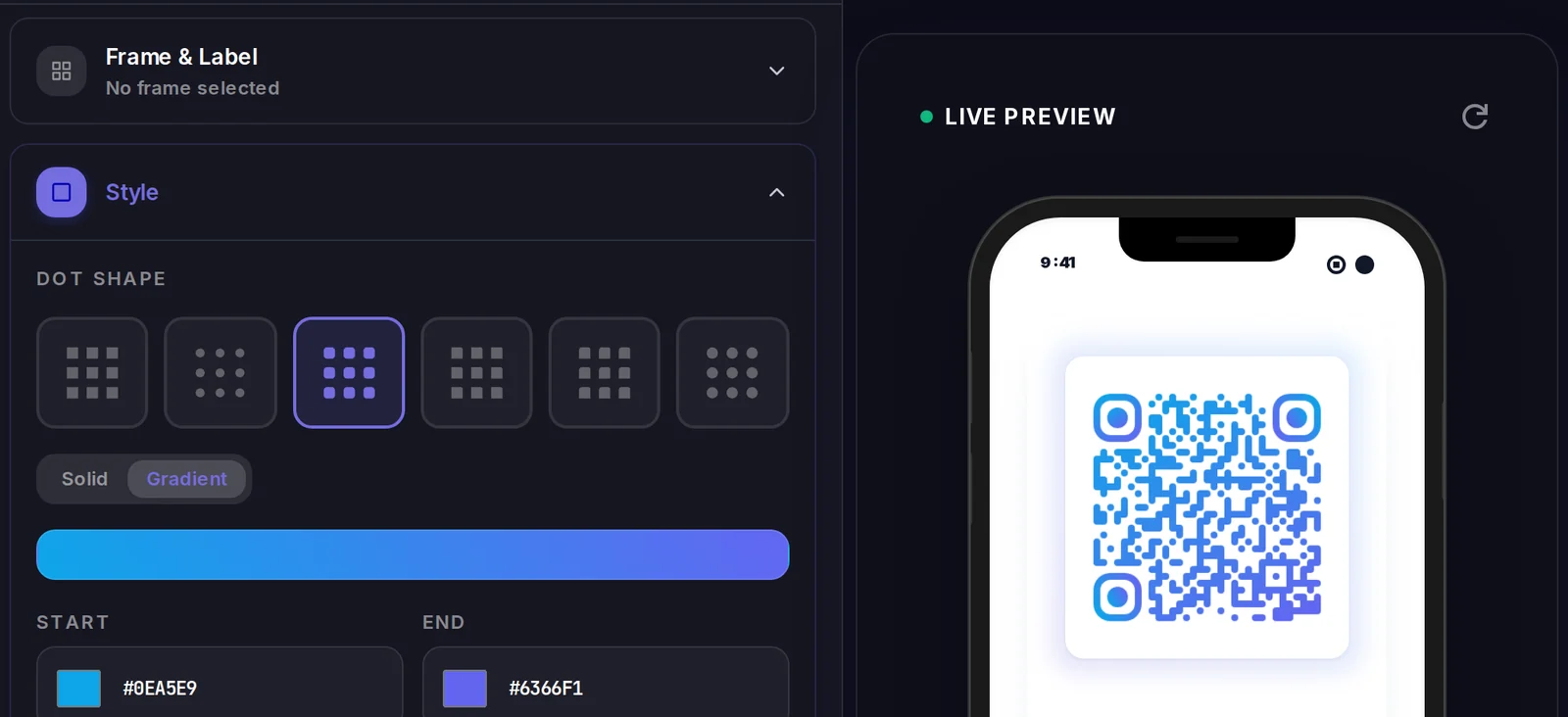
This type stores its data inside the code itself, so there is no landing page — but the code is still yours to style.
Make your Cafe WiFi QR code
Build it free below, then create an account to make it dynamic — edit it anytime and track scans.
Set up your Cafe WiFi QR code
- 1Pick the WiFi QR type in Qravio and enter your cafe network name (SSID), password, and security type (usually WPA/WPA2).
- 2Choose dynamic so you can rotate the password later without reprinting, then add your cafe logo and brand color to the join page.
- 3Customize the QR design — round the eyes, add your cafe name as a caption, and keep enough contrast for reliable scanning.
- 4Download a high-resolution PNG or print-ready SVG sized for table tents, counter cards, or the bottom of receipts.
- 5Place codes where guests sit and wait: table tents, the pickup counter, the menu board, and the window for sidewalk customers.
Why use a Qravio QR code for cafe wifi
One-tap join, zero staff questions
Guests connect instantly without flagging down a barista or squinting at a password scrawled on a chalkboard. Your line moves faster during the morning rush.
Rotate the password without reprinting
Cafes change WiFi passwords to keep freeloaders off the network. With a dynamic code you update the password once in Qravio and every table tent already printed keeps working.
See how many guests actually connect
Real-time scan analytics show how many people use the WiFi code, when, and on which devices — handy for proving the perk drives dwell time and repeat visits.
Free and no watermark
Generate clean, fully scannable cafe WiFi codes on the free plan with no logo overlay and no forced expiry, so they look professional on every table.
Pro tip
Pair the WiFi code with a short caption like "Scan to join — then leave us a Google review while you sip" so the same table tent doubles as a soft prompt for reviews and repeat visits.
Cafe WiFi QR code FAQ
Do guests need an app to use the cafe WiFi QR code?
No. Modern iPhone and Android cameras read WiFi QR codes natively. Guests just open the camera, point it at the code on the table or counter, and tap the prompt to join — no separate app or scanner needed.
What happens when I change my cafe WiFi password?
If you used a dynamic Qravio code, you update the password once in your dashboard and every printed table tent, counter card, and receipt instantly serves the new credentials. A static WiFi QR would need every code reprinted, which is why dynamic is better for cafes that rotate passwords.
Can I see how many guests connect through the QR code?
Yes. Qravio records every scan in real time — total scans, time of day, and device type — so you can see whether free WiFi is pulling traffic during slow hours and how long guests tend to stay.
Where should I put the WiFi QR code in my cafe?
Place it where guests sit and wait: table tents, the pickup counter, the menu board, and a window decal for sidewalk seating. Printing it on the bottom of receipts also catches takeaway customers who linger.
Create your Cafe WiFi QR code
Free to start. No watermark. Editable and trackable in under a minute.