

QR Code for Google Reviews
A QR code for Google reviews links your printed code straight to your business's "Write a review" page, so customers skip searching for you and rate in seconds. Place it on receipts, tables, or counters at the moment of service, when satisfaction is highest, to boost your review count and star rating.
How QR codes work for google reviews
Qravio encodes a short link that redirects to your Google review URL — the same place-ID link that opens the star-rating box on a customer's phone. Because the code is dynamic, you can fix a wrong link, switch to a different location, or pause it without reprinting a single table tent or receipt.
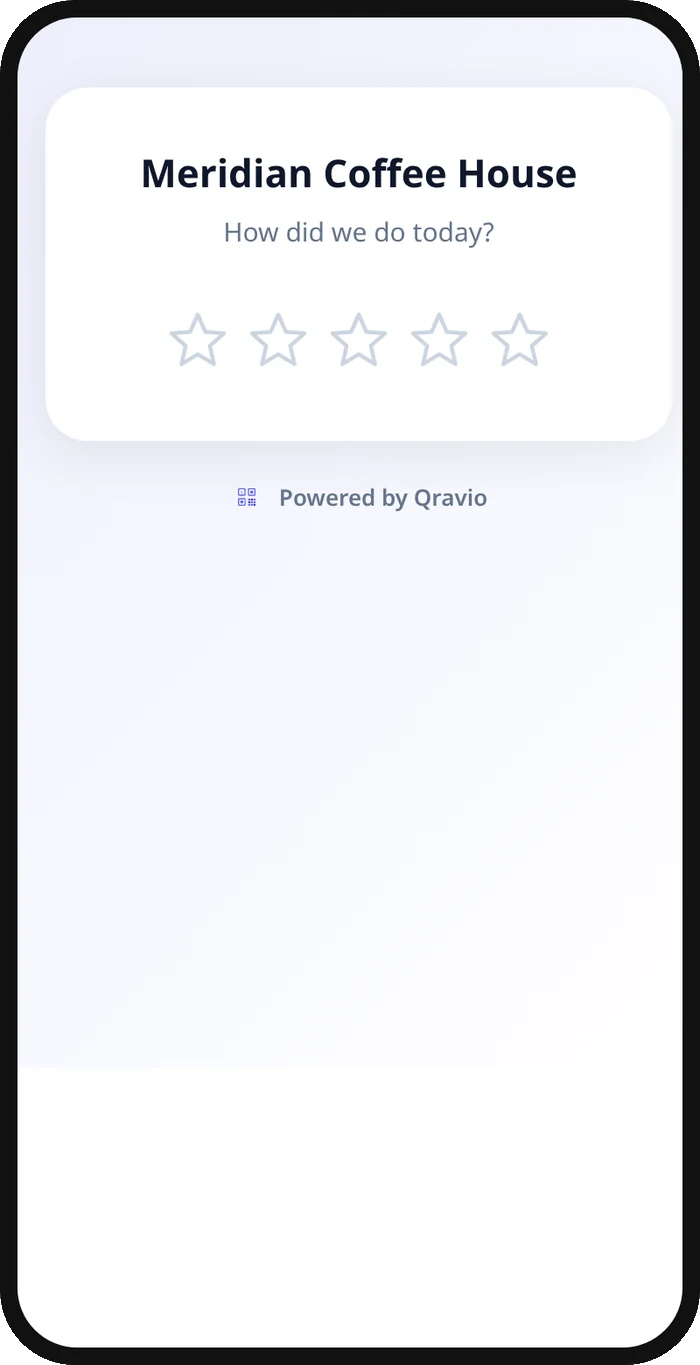
What your google reviews QR opens
A real Qravio scan page, shown with demo content. Every part of it is editable after the code is printed.
Make your Google Reviews QR code
Build it free below, then create an account to make it dynamic — edit it anytime and track scans.
Set up your Google Reviews QR code
- 1Choose a Website/URL QR type in the Qravio builder.
- 2Paste your Google review link (Business Profile → Ask for reviews → copy link, or your g.page/r/...review URL).
- 3Customize the landing — add your logo, brand color, and a short "Loved your visit? Leave us a review" prompt.
- 4Download a high-resolution PNG or SVG with no watermark, even on the free plan.
- 5Print it onto table tents, receipts, counter cards, or a window sticker, and watch scans roll in live.
Why use a Qravio QR code for google reviews
Catch reviews at peak happiness
Customers are most likely to rate you right after great service. A code on the receipt or table lets them open your Google star box before they leave, instead of forgetting by the time they get home.
Skip the search friction
Typing a business name into Google and hunting for the review button loses most people. The QR jumps straight to the "Write a review" screen, turning a 60-second chore into a 5-second tap.
Fix the link without reprinting
Pasted the wrong place ID or opened a second location? Update the destination in Qravio and every printed code instantly points to the right review page — no new stickers or receipts.
See what's actually working
Real-time scan analytics show whether the counter card or the receipt drives more reviews, and which days spike, so you can place codes where they earn the most ratings.
Pro tip
Pair the code with a one-line ask like "Got 30 seconds? Your review helps a local business grow" — a specific, low-effort prompt converts far better than a bare "Review us" next to the code.
Google Reviews QR code FAQ
Where do I find my Google review link?
Open your Google Business Profile, tap "Ask for reviews," and copy the short link (it looks like g.page/r/...). Paste that into Qravio as the destination — it opens the star-rating box directly on the customer's phone.
Can customers leave a review without a Google account?
They need to be signed into a Google account to post, which most phone users already are. The QR removes the searching step; Google still handles the actual review submission and spam filtering.
Do I have to reprint if my review link changes?
No. Because Qravio codes are dynamic, you edit the destination in your dashboard and every printed table tent, receipt, and sticker keeps working — the code stays the same.
Is the Google reviews QR code really free?
Yes. Qravio's free dynamic tier gives you an editable, no-watermark QR with live scan analytics. You can download print-ready PNG or SVG files without paying or adding a logo overlay you didn't choose.
Create your Google Reviews QR code
Free to start. No watermark. Editable and trackable in under a minute.