

WiFi QR Code
A WiFi QR code encodes your network name (SSID), password, and security type (WPA/WPA2/WPA3 or open) into a single scannable square. When a guest points their iPhone or Android camera at it, the phone reads the credentials and offers a one-tap "Join Network" prompt — no typing the password by hand.
Join your network without typing a password
This one opens straight on the scanner's phone, with no page in between — which is why it stays free, and why there are no scans to track.
What dynamic codes do insteadHow a WiFi QR code works
The code stores your credentials in the standard WIFI:T:WPA;S:NetworkName;P:Password;; string format that built-in phone cameras recognize. On scan, the phone detects it's WiFi data and surfaces a join prompt instead of opening a website. Because the password lives inside the QR's pixels, a static WiFi code works fully offline with no app or account required.
Make a WiFi QR code
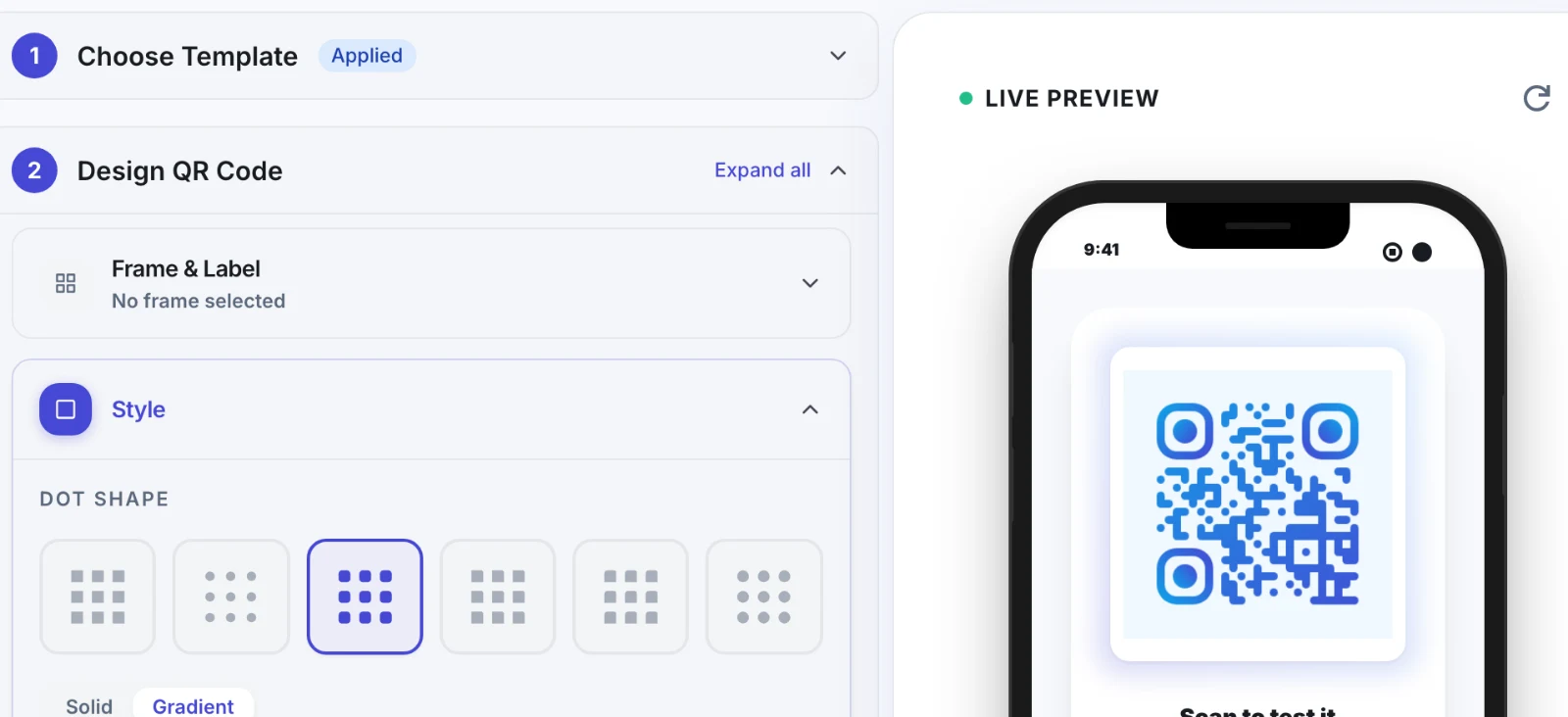
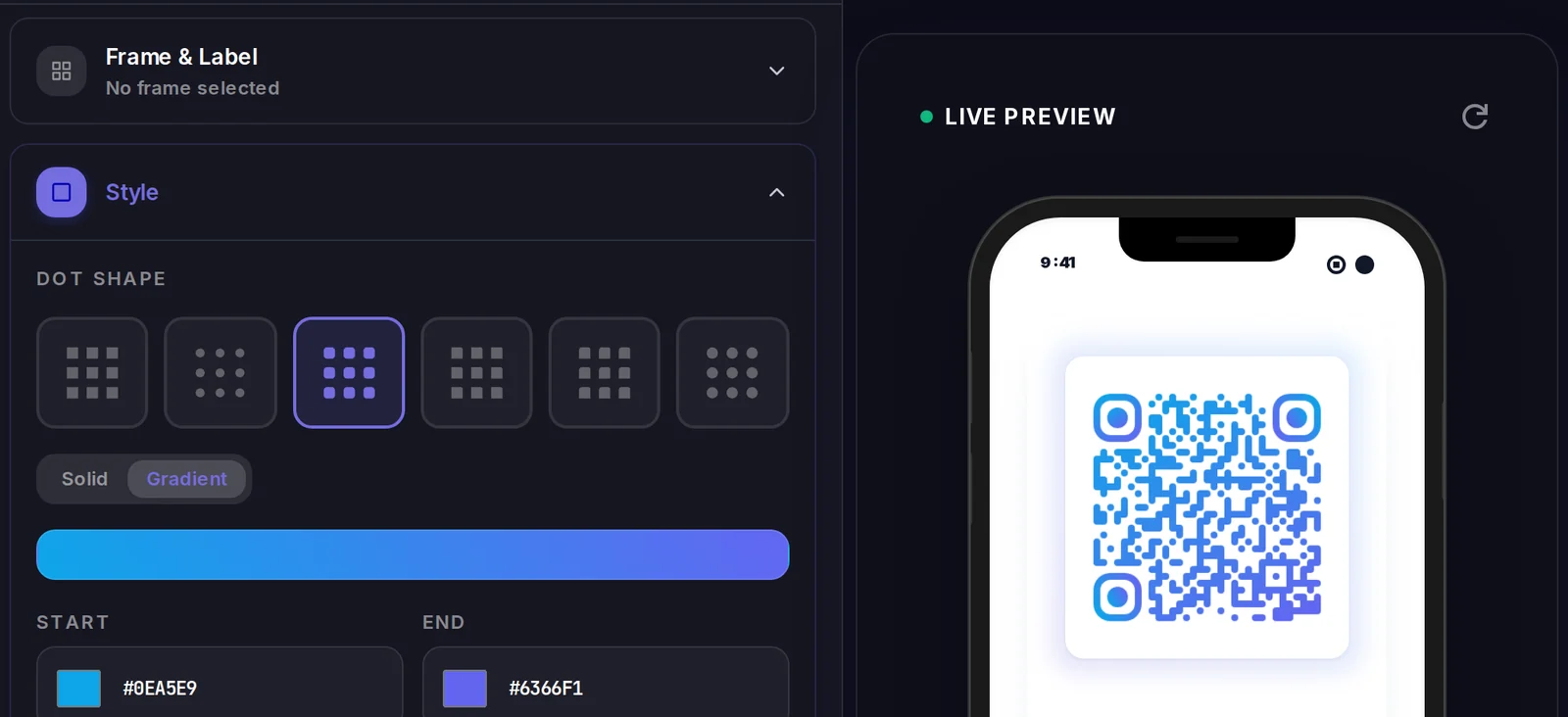
A WiFi QR code carries its data inside the code itself, so there is no landing page to design. What you do control is how the code looks.
Popular uses
- Cafes, restaurants, and bars putting a scan-to-connect code on tables and receipts so guests skip asking staff for the password
- Hotels, Airbnbs, and vacation rentals placing a framed code in the room for instant guest WiFi access
- Offices and coworking spaces giving visitors temporary network access without exposing the password on a whiteboard
- Home users sticking a code on the fridge so house guests connect without reciting a long random password
- Events, conferences, and pop-up shops sharing venue WiFi with hundreds of attendees from one printed sign
Why create your WiFi QR code with Qravio
No more dictating passwords
Guests connect in one tap instead of squinting at a 20-character password taped to the router. It removes the most common friction in sharing WiFi.
Works with the native camera
Modern iPhone and Android cameras parse WiFi QR codes natively — no special scanner app to download. Just point and tap the join prompt.
Supports every security type
Encodes WPA, WPA2, WPA3, WEP, and open networks, plus hidden SSIDs, so the same code works whether you run a home router or an enterprise access point.
Free and watermark-free
Generate a clean WiFi code with Qravio at no cost and no logo stamped across it — ready to print on signage, table tents, or door cards.
WiFi QR code FAQ
Is a WiFi QR code safe to share publicly?
The code contains your network password in plain encoded text, so anyone who scans it can join. That's perfect for guest or public networks, but avoid displaying your private home or corporate password where strangers can scan it. For sensitive setups, use a separate guest network.
Can I change the password after printing the WiFi QR code?
A static WiFi QR code bakes the password directly into its pixels, so changing your network password means generating and reprinting a new code. If you rotate passwords often, set up a dedicated guest network whose password you keep stable.
Does scanning a WiFi QR code work without an internet connection?
Yes. A static WiFi code is read entirely by your phone's camera and contains all the credentials locally, so no data connection is needed to scan it and join — which is exactly why it's used to grant first-time network access.
Will it work on both iPhone and Android?
Yes. iOS (iPhone/iPad) and modern Android both support WiFi QR codes through the built-in camera or a long-press in the camera app. Some older Android phones may need a free QR scanner, but most current devices handle it natively.
Create your WiFi QR code
Free to start. No watermark. Make it dynamic to edit it later and track every scan.