

Image Gallery QR Code
An image gallery QR code is a dynamic code that links to a hosted gallery page holding multiple photos you upload. Scanning it opens a mobile-friendly grid in the browser where viewers can tap through and enlarge each image. Because it's dynamic, you can add, remove, or reorder photos anytime without reprinting.
Open a hosted Images page
This one opens a page Qravio hosts for you — so you can change what people see after the code is printed, and watch every scan land. Start building now, add your email when you want to keep it.
How a Image Gallery QR code works
When you upload your photos, Qravio stores them and assigns the QR a short URL instead of cramming image data into the code itself. On scan, the phone's browser opens your hosted gallery page rendering all images in a responsive layout. Since only the link is encoded, you can replace or reorder the gallery's contents later and every printed code updates instantly.
What people see after scanning
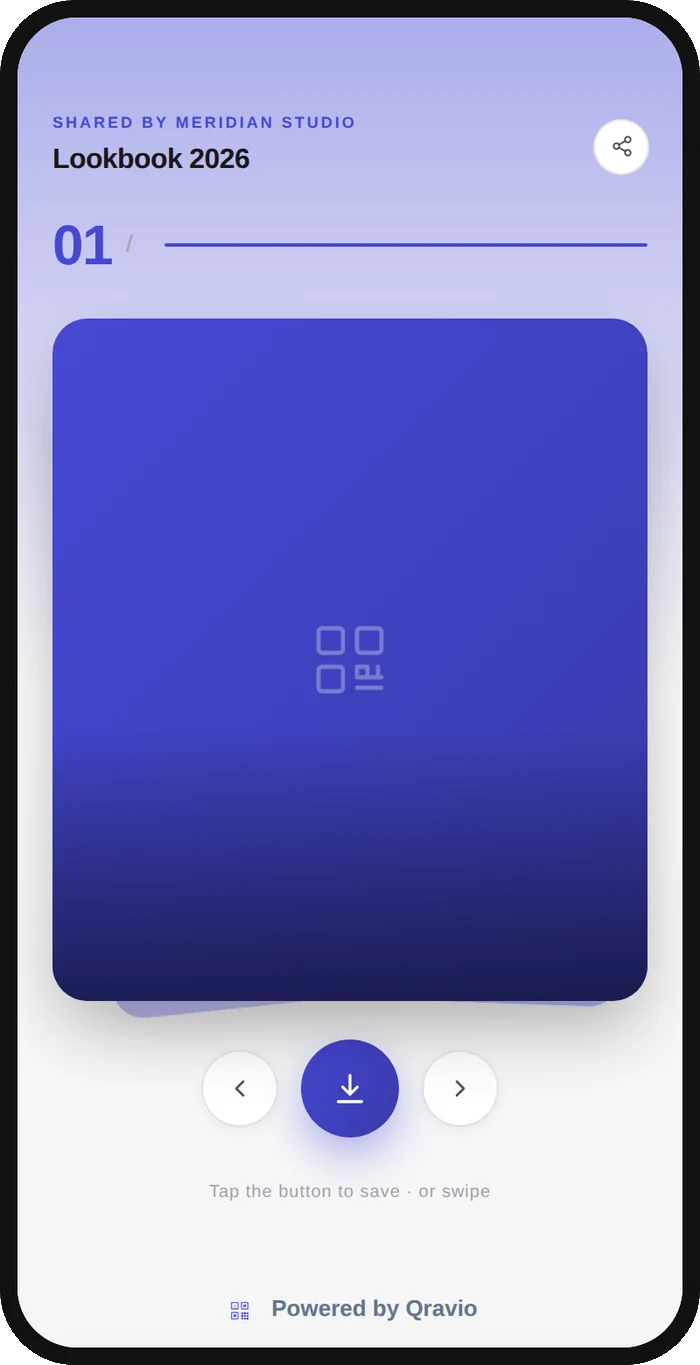
The page a Image Gallery QR code opens on a phone. Yours to design — colours, layout and content all change from the builder.
Popular uses
- Product photo galleries on packaging, shelf tags, or catalogs so shoppers can see every angle
- Real estate listing photos on yard signs and flyers without printing a full brochure
- Event and wedding photo galleries shared on table cards for guests to browse and download
- Portfolio or artwork displays at galleries, markets, and trade-show booths
- Before-and-after image sets for contractors, salons, and clinics on print marketing
Why create your Image Gallery QR code with Qravio
Swap photos without reprinting
Because the code is dynamic, you can upload new images, remove old ones, or reorder the gallery at any time. The printed QR stays the same while the content behind it updates instantly.
Mobile-friendly hosted gallery
Scans open a responsive gallery page that loads fast on any phone, with tappable thumbnails and full-size viewing. No app install and no awkward zoom required for viewers.
Real-time scan analytics
See how many people view your gallery, when, and where. Use the data to compare placements and understand which prints, signs, or products drive the most attention.
Free with no watermark
Qravio's free tier creates clean, dynamic image gallery codes with no watermark and no signup paywall, plus custom domains and team workspaces when you need them.
Image Gallery QR code FAQ
How many images can I put in one gallery QR code?
You can upload multiple images into a single gallery, and because the code is dynamic the photos live on a hosted page rather than inside the QR itself, so adding more does not make the code denser or harder to scan.
Can I change the photos after I print the QR code?
Yes. Image gallery codes are dynamic, so you can add, remove, or reorder images anytime from your dashboard and the same printed code will show the updated gallery on the next scan.
Do viewers need an app to open the gallery?
No. Scanning opens the hosted gallery directly in the phone's browser as a mobile-friendly page, so anyone can view and tap through the images with no app or download needed.
Is the image gallery QR code generator really free?
Yes. Qravio's free tier lets you create dynamic image gallery QR codes with no watermark, plus real-time scan analytics, and adds custom domains and team workspaces as you grow.
Popular use cases
Create your Image Gallery QR code
Free to start. No watermark. Make it dynamic to edit it later and track every scan.