

Dynamic URL QR Code
A URL QR code links a printed or on-screen code to any web address you already have, whether that is your website, a landing page, or a form. Qravio's dynamic version encodes a short tracking URL that redirects to your chosen page, so you can swap the destination anytime, split traffic across URLs, and watch live scan analytics without ever reprinting the code.
Point a code at any link, and change where it goes later
This one sends the scan straight to a link of your own. Qravio puts no page in between, it just keeps the printed code pointing wherever you want and counts every scan. Start building now, add your email when you want to keep it.
How a Dynamic URL QR code works
When you create a dynamic URL QR code, Qravio encodes a short link instead of your raw URL. Each scan opens that short link, which instantly redirects the visitor to your destination page while logging the scan. Because the encoded short link stays fixed, you can change where it points, add A/B routing, or pause it at any time, and every code already in the wild keeps working.
Make a Dynamic URL QR code
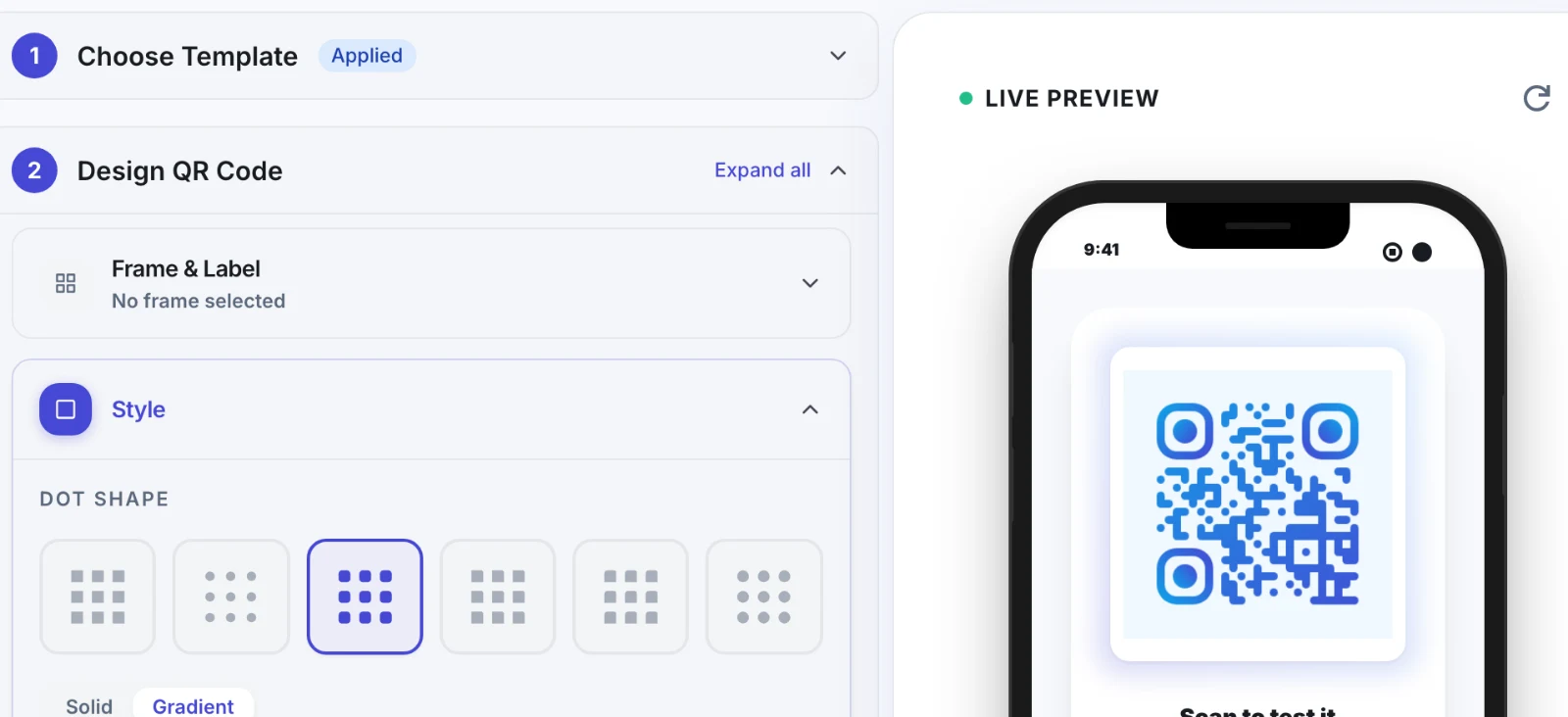
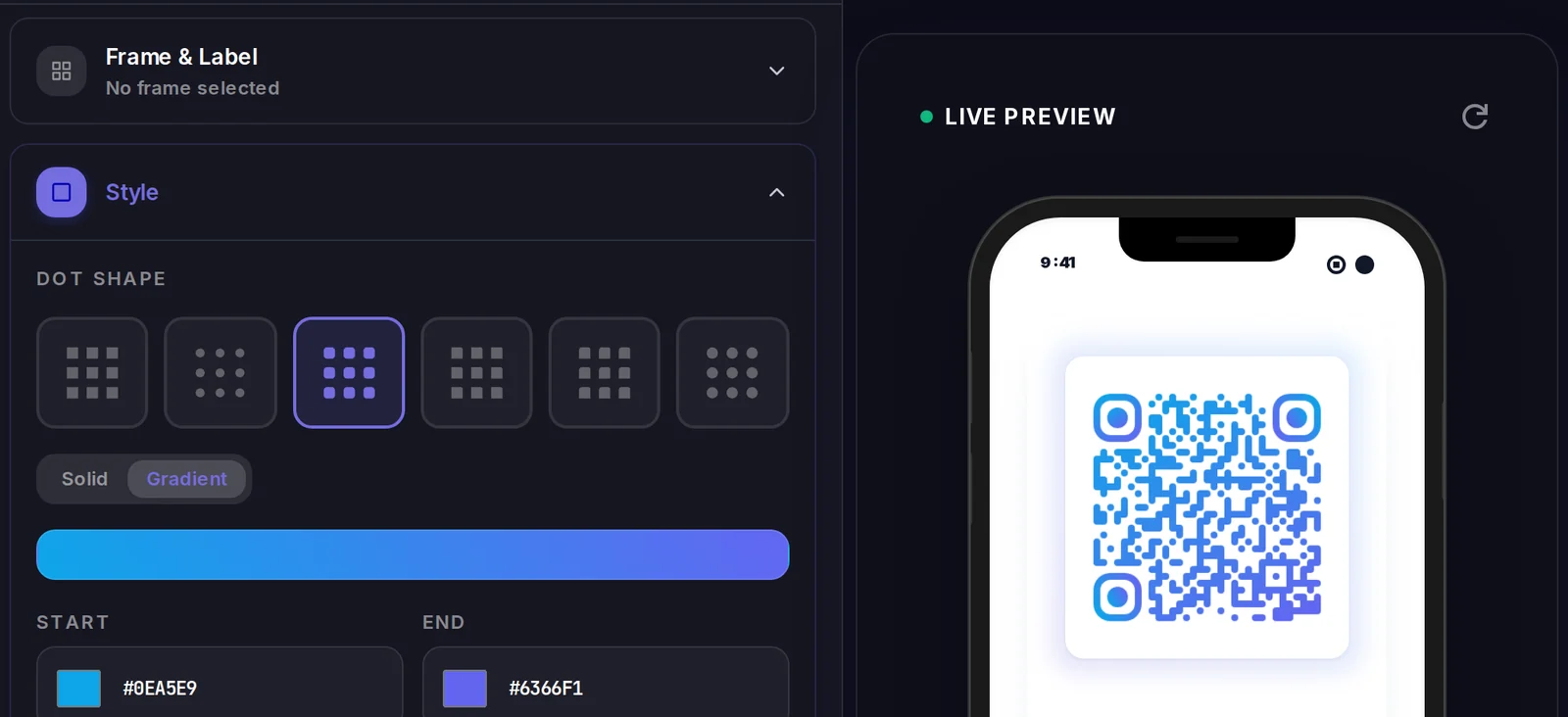
A Dynamic URL QR code sends the scanner straight to your destination, so there is no landing page of ours to design. What you control is how the code looks, and where it points.
Popular uses
- Print a URL QR on flyers or posters that always points to your latest landing page
- Link product packaging to a how-to guide or support page you can update after launch
- Add a scannable link to business cards, signage, and event banners
- A/B test two landing pages by splitting QR scans between URLs
- Redirect a campaign QR to a new offer when a promotion ends, no reprint needed
Why create your Dynamic URL QR code with Qravio
Editable destination
Point the same printed code to a new URL whenever you want. The QR image never changes, so reprints and republishing are eliminated.
Live scan analytics
See total scans, unique visitors, location, device, and time data in real time for every URL QR you create.
A/B routing
Split scan traffic between two or more URLs to test landing pages, offers, or audiences directly from one code.
Free and no watermark
Generate clean, fully scannable URL QR codes on the free plan with no logo, no watermark, and no forced expiry.
Dynamic URL QR code FAQ
Is a URL QR code the same as a website QR code?
Yes, they are two names for the same thing, and some tools call it a website QR code. Neither one builds you a website. It points a scannable code at a web address you already own, and Qravio's dynamic version lets you change that address later without reprinting.
What is the difference between a static and dynamic URL QR code?
A static QR encodes your URL directly, so the link can never change and you get no scan data. Qravio's dynamic URL QR encodes a short redirect link, letting you edit the destination, route traffic, and track every scan after the code is printed.
Can I change the website a QR code points to after printing it?
Yes. With a dynamic URL QR code from Qravio, you can update the destination anytime from your dashboard. Every existing code instantly redirects to the new page without being reprinted.
Does the free plan add a watermark to my URL QR code?
No. Qravio's free plan generates clean URL QR codes with no watermark and no logo overlay, so they scan reliably on print and screen.
Can I track how many people scan my URL QR code?
Yes. Every dynamic URL QR records scans in real time, including unique visitors, location, device type, and time, so you can measure exactly how your code performs.
Create your Dynamic URL QR code
Free to start. No watermark. Make it dynamic to edit it later and track every scan.