

App Store QR Code Generator
An App Store QR code encodes a single short link that opens a page for your app, with an App Store button and a Google Play button. iPhone and Android users each tap their own store, so you never print separate iOS and Android codes.
Open a hosted Apps page
This one opens a page Qravio hosts for you — so you can change what people see after the code is printed, and watch every scan land. Start building now, add your email when you want to keep it.
How a App Store QR code works
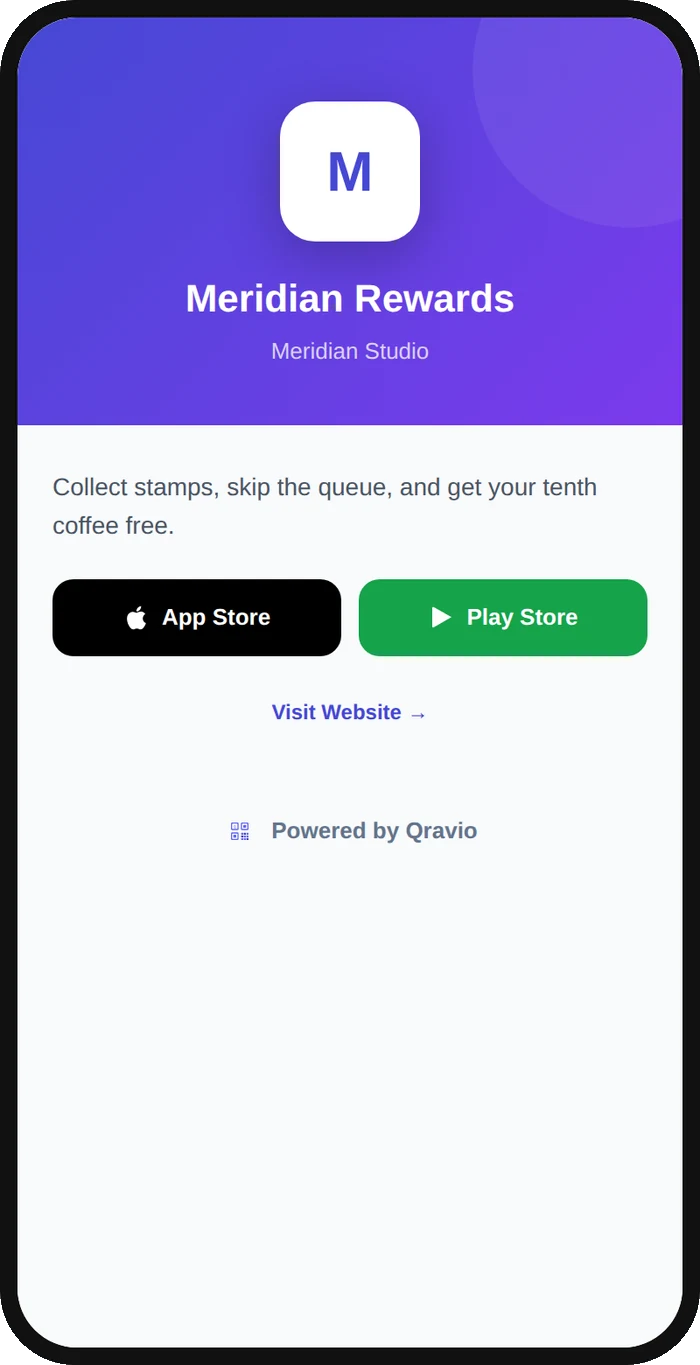
The QR points to one short Qravio URL rather than a fixed store link. On scan it opens your app's page, with a button for each store you added and an optional website link for visitors on a computer. Because it is dynamic, you can swap store URLs, add a website link, or correct a typo without reprinting the code.
What people see after scanning
The page a App Store QR code opens on a phone. Yours to design — colours, layout and content all change from the builder.
Popular uses
- Print one QR on packaging, flyers, or posters that gives iPhone and Android users a button for their own store
- Add to app launch ads and billboards so a single code works for every phone
- Place on in-store signage or receipts to drive loyalty-app installs
- Embed in pitch decks or press kits so reviewers can download from either store
- Put on event badges and trade-show booths to grow installs without printing two codes
Why create your App Store QR code with Qravio
One code for both platforms
One page carries both store buttons, so iPhone and Android scanners each find their own download and a single printed QR replaces two separate codes.
Editable after printing
Update your iOS or Android store URLs, fix a broken link, or add a website link anytime; the printed QR never changes.
See where installs come from
Real-time scan analytics show total scans, device split, location, and time, so you can measure which campaign drives the most app downloads.
Free with no watermark
Qravio's free dynamic tier gives you a clean, fully scannable App Store QR with no logo overlay. Custom domains start on Pro.
App Store QR code FAQ
How does one QR code serve both iPhone and Android users?
The code links to a single Qravio short URL that opens a page with an App Store button and a Google Play button. Each visitor taps the store for their phone, all from the same printed code.
What happens when someone scans on a desktop or unsupported device?
They see the same page, with both store buttons and, if you add one, a link to your website, so they still reach a useful destination instead of a broken page.
Can I change the store links after I've printed the QR?
Yes. Because it is a dynamic QR code, you can edit the iOS and Android destination URLs at any time and every existing printed or shared code updates automatically, no reprint needed.
Is the App Store QR code really free?
Yes. Qravio's free tier creates dynamic App Store QR codes with no watermark on the code and real-time scan analytics. A free account is required so your code stays editable.
Create your App Store QR code
Free to start. No watermark. Make it dynamic to edit it later and track every scan.