

QR Code for Product Packaging
Print a dynamic QR code on your product packaging that links to how-to videos, ingredient details, warranty registration, or reviews. Because it's dynamic, you can change where it points after thousands of boxes ship — no relabeling. Qravio's free tier adds no watermark and tracks every scan in real time.
How QR codes work for product packaging
A single QR code printed on the box, label, or insert links shoppers to a mobile page you control. The destination lives on Qravio's servers, not on the print, so you can swap a launch video for a seasonal recipe or a recall notice months after the packaging is manufactured — the printed code stays identical while the experience behind it changes.
Make your Product Packaging QR code
This type stores its data inside the code itself, so there is no landing page — but the code is still yours to style.
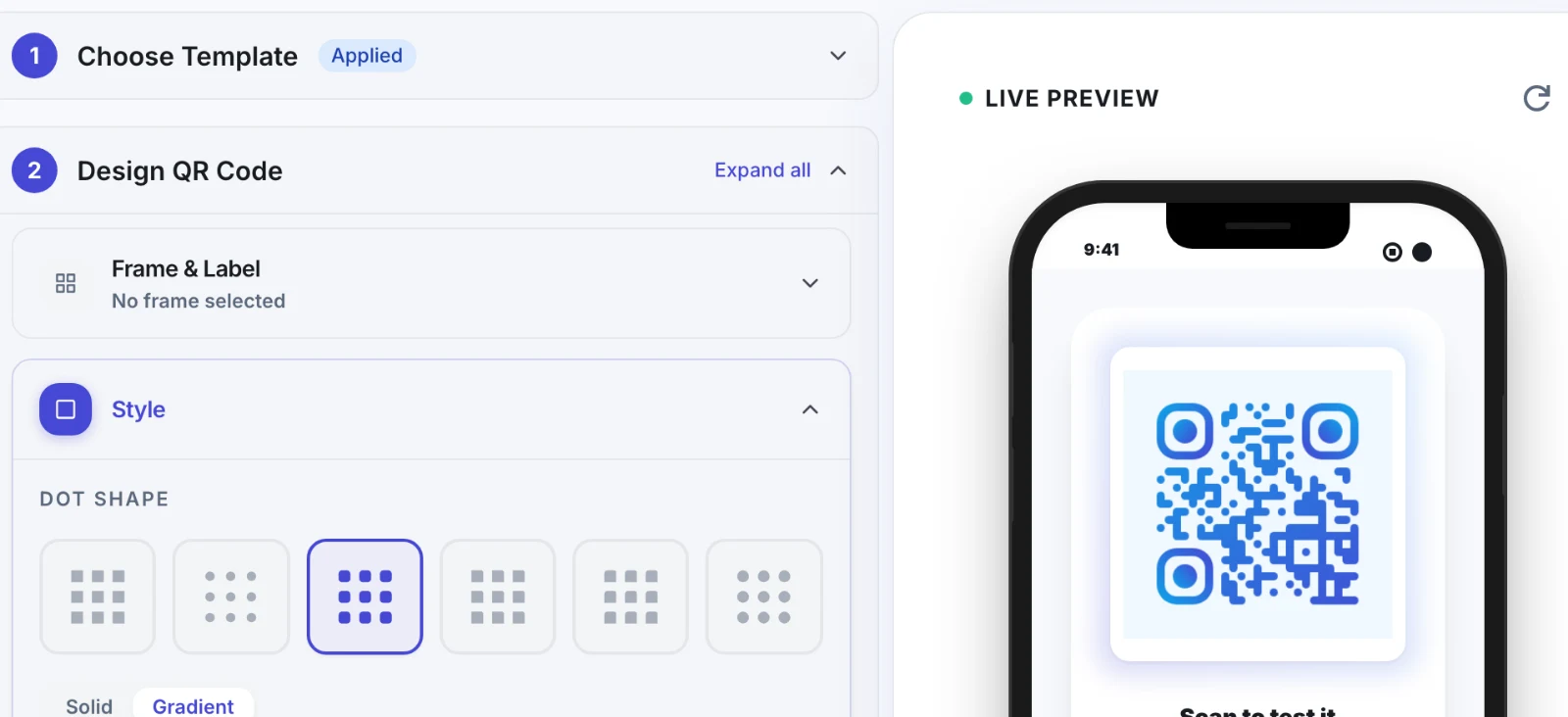
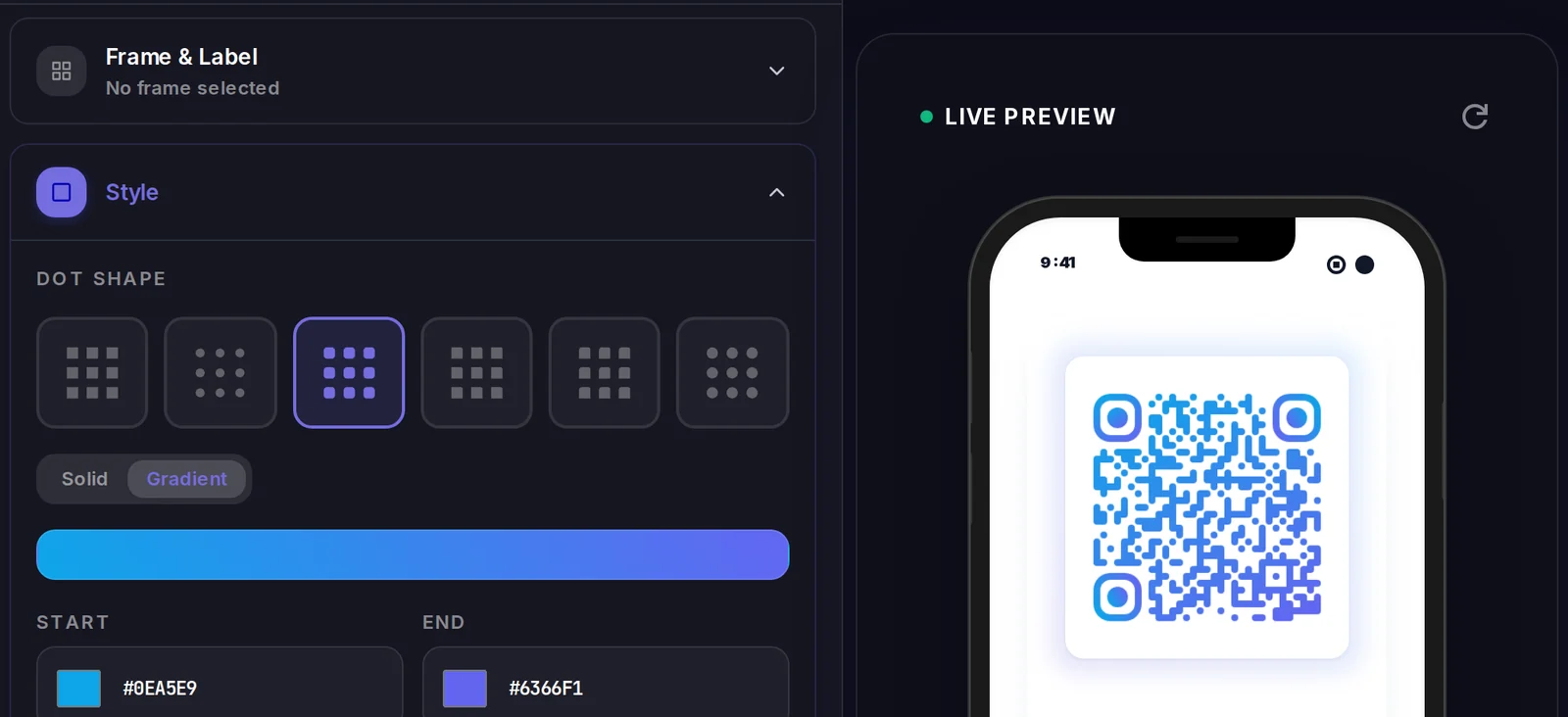
Make your Product Packaging QR code
Build it free below, then create an account to make it dynamic — edit it anytime and track scans.
Set up your Product Packaging QR code
- 1Create a Dynamic URL QR code in Qravio and point it at your product page, how-to video, or warranty form.
- 2Customize the code with your brand color and logo so it fits the packaging artwork.
- 3Download a high-resolution SVG or PNG and drop it into your label or carton dieline at print size.
- 4Send the artwork to your printer and run your packaging batch as normal.
- 5After launch, edit the destination anytime — add recipes, swap promos, or post a recall notice — without reprinting a single unit.
Why use a Qravio QR code for product packaging
Change the link without reprinting
Packaging is printed in huge runs months ahead. A dynamic QR lets you repoint the same printed code from a launch promo to a recipe, a refill reorder page, or a safety notice — long after the boxes have shipped.
Turn the box into a sales channel
Link to subscriptions, refills, or bundle upsells so a customer who already loves the product can reorder in two taps instead of hunting for your store.
See what shoppers actually scan
Real-time analytics show scan counts, locations, and times — so you can tell which SKUs, retailers, or regions drive the most post-purchase engagement.
Free with no watermark
Qravio's free dynamic tier produces clean, brandable codes with no logo stamped across them — safe to print on retail packaging at any scale.
Pro tip
Generate a distinct dynamic QR for each SKU rather than one shared code — it costs nothing extra on Qravio's free tier and lets you see exactly which products drive post-purchase scans and reorders, and repoint a single product's link without touching the rest of your range.
Product Packaging QR code FAQ
Do I have to reprint packaging when the link changes?
No. With a dynamic QR code the printed pattern never changes — only the destination does. You can update where it points (new video, promo, recall page) from your Qravio dashboard, and every box already on shelves instantly reflects the change.
What should a product packaging QR code link to?
Common destinations include how-to and assembly videos, ingredient or sourcing details, warranty and product registration, refill or reorder pages, recipes and pairing ideas, and a review request. You can change which one it points to over time as your goals shift.
Will the QR code survive printing on labels and cartons?
Yes. Download a high-resolution SVG so the code stays crisp at any size, keep a quiet-zone margin around it, and use dark code on a light background for reliable scanning on glossy or curved surfaces.
Can I track scans per product or region?
Yes. Create a separate dynamic QR per SKU or campaign and Qravio reports scans, locations, and times for each in real time, so you can compare engagement across products and retailers.
Create your Product Packaging QR code
Free to start. No watermark. Editable and trackable in under a minute.