

QR Code for Donations & Fundraising
A donation QR code sends supporters straight from a poster, screen, or collection box to your giving page, so they contribute in seconds from their own phone instead of digging for cash. Because it's dynamic, you can repoint the same printed code from one campaign to the next without reprinting a single flyer.
How QR codes work for donations & fundraising
You point the QR at your donation page—PayPal, a giving platform, or your own campaign link—then print it on flyers, event banners, donation boxes, and appeal letters. When a supporter scans with their phone camera, your giving page opens instantly, and because the code is dynamic you can redirect it to a new campaign later without changing anything you've printed.
Make your Donations & Fundraising QR code
This type stores its data inside the code itself, so there is no landing page — but the code is still yours to style.
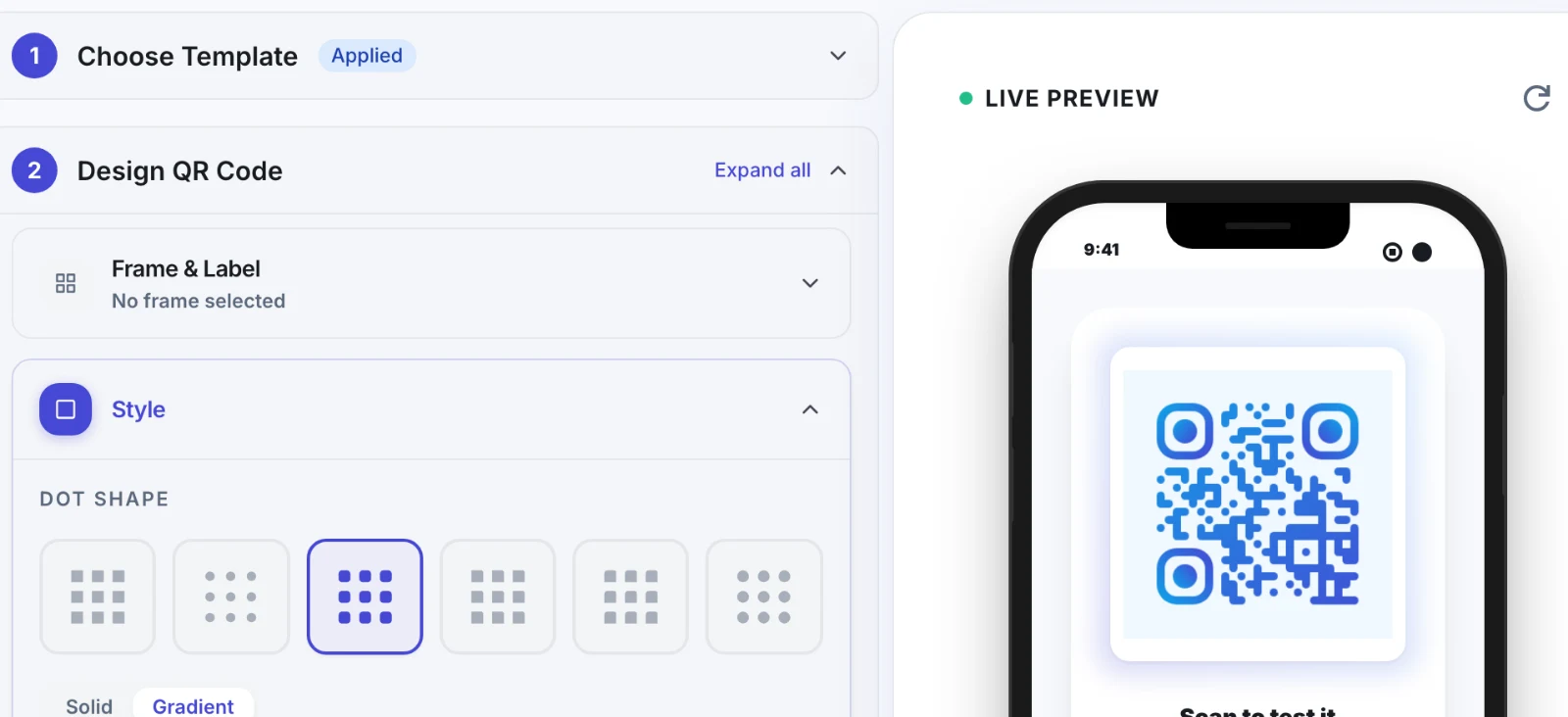
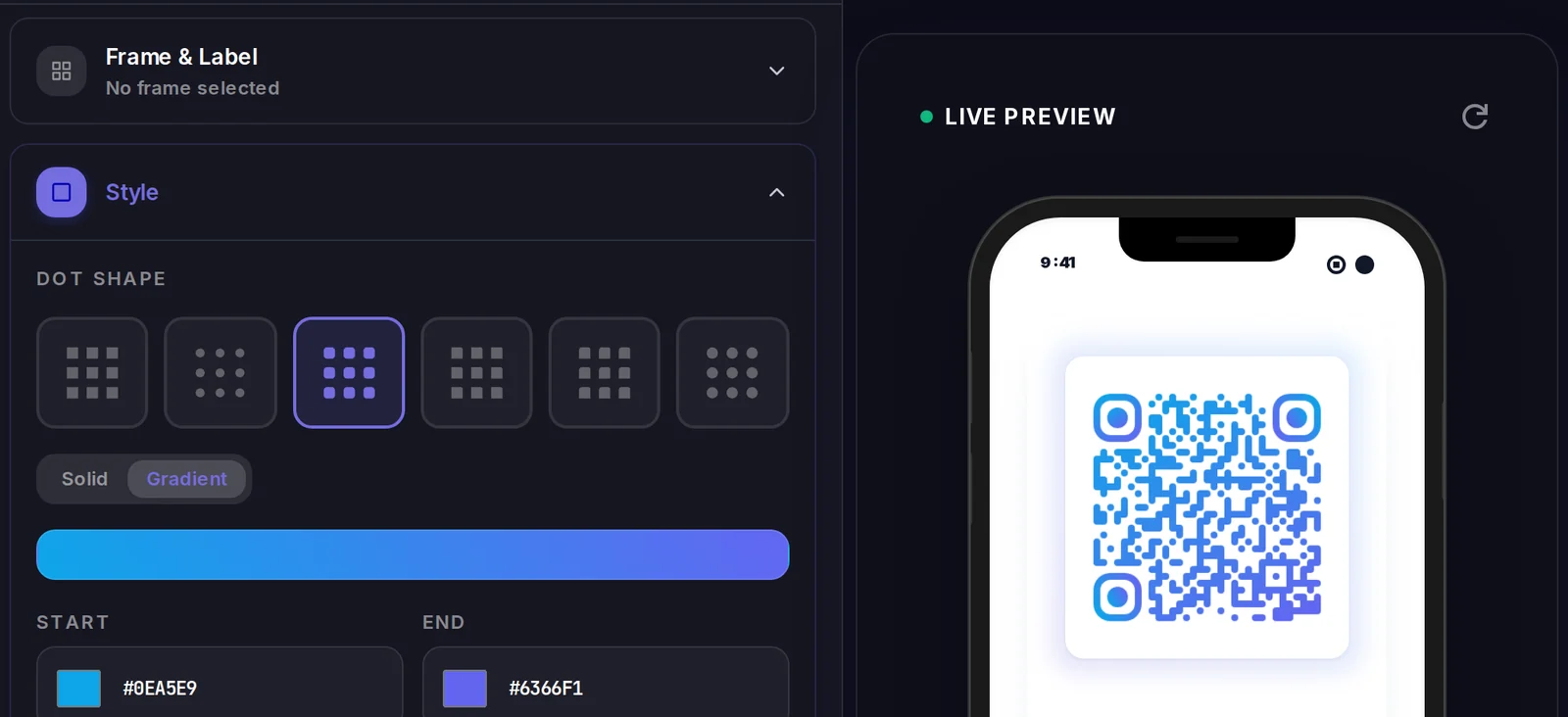
Make your Donations & Fundraising QR code
Build it free below, then create an account to make it dynamic — edit it anytime and track scans.
Set up your Donations & Fundraising QR code
- 1Sign in to Qravio and create a dynamic QR that points to your donation or giving page.
- 2Set the destination to your PayPal, fundraising platform, or campaign link so supporters land on a page ready to accept a gift.
- 3Customize the landing page with your organization's logo and colors so donors trust that the code is really yours.
- 4Download a high-resolution PNG or SVG and add it to flyers, banners, donation boxes, screens, and appeal letters.
- 5Display it where supporters gather—events, your venue, printed appeals—and repoint it to your next campaign anytime from your dashboard.
Why use a Qravio QR code for donations & fundraising
Capture the gift in the moment
Supporters give while the appeal is fresh instead of promising to donate later and forgetting. One scan opens your giving page on their phone, turning a moved audience member into a completed donation before they leave.
Reuse one code across every campaign
Repoint the same printed code from your winter appeal to your spring drive in your dashboard. Banners, boxes, and flyers you already printed keep working, so you never reprint materials just because the campaign changed.
Build donor trust with your branding
A donation QR that opens a page with your logo, colors, and name reassures supporters the code is legitimate—an important reassurance when you're asking people to enter payment details from a poster.
Measure which appeals actually raise money
Real-time scan analytics show which posters, events, and placements drive the most scans, so you can double down on the appeals and locations that move donors and drop the ones that don't.
Pro tip
Print a distinct code for each appeal—gala table tents, lobby poster, mailed letter—so your analytics reveal which channel actually drives donors to your giving page, then invest next season where the scans came from.
Donations & Fundraising QR code FAQ
Where does the donation QR code send people?
Wherever your giving happens—your PayPal donation link, a fundraising platform, or your own campaign page. Qravio simply gets the supporter there in one scan; the actual gift is processed on your trusted donation page, so you keep full control of how funds are collected.
Can I reuse the same QR code for a new campaign?
Yes, and it's one of the biggest advantages. Because the code is dynamic, you repoint it to your next campaign's page anytime. Every flyer, banner, and donation box you already printed keeps working and now sends supporters to the new appeal—no reprinting.
Do donors need an app to give?
No. Modern phone cameras read QR codes natively, so a donor points their phone and taps the link to your giving page. There's no app to install, which keeps the path from 'I want to help' to a completed gift as short as possible.
Can I see how many people scanned to donate?
Yes. Qravio's real-time scan analytics show total scans and trends over time, and you can print a distinct code per event or placement to compare which appeals drive the most giving traffic to your donation page.
Create your Donations & Fundraising QR code
Free to start. No watermark. Editable and trackable in under a minute.