

PayPal QR Code Generator
A PayPal QR code encodes your PayPal.Me link (e.g. paypal.me/yourname, optionally with a set amount). When someone scans it, their phone opens your PayPal payment page where they confirm and send money to you, no typing your username or hunting for your handle required.
Open a PayPal.me payment link
This one opens straight on the scanner's phone, with no page in between — which is why it stays free, and why there are no scans to track.
What dynamic codes do insteadHow a PayPal QR code works
The QR code stores your personal PayPal.Me URL, which you can build for free in your PayPal account. You can append a fixed amount so the payment page pre-fills the price. On scan, the customer's phone browser or PayPal app opens that link and they complete the transfer in a couple of taps.
Make a PayPal QR code
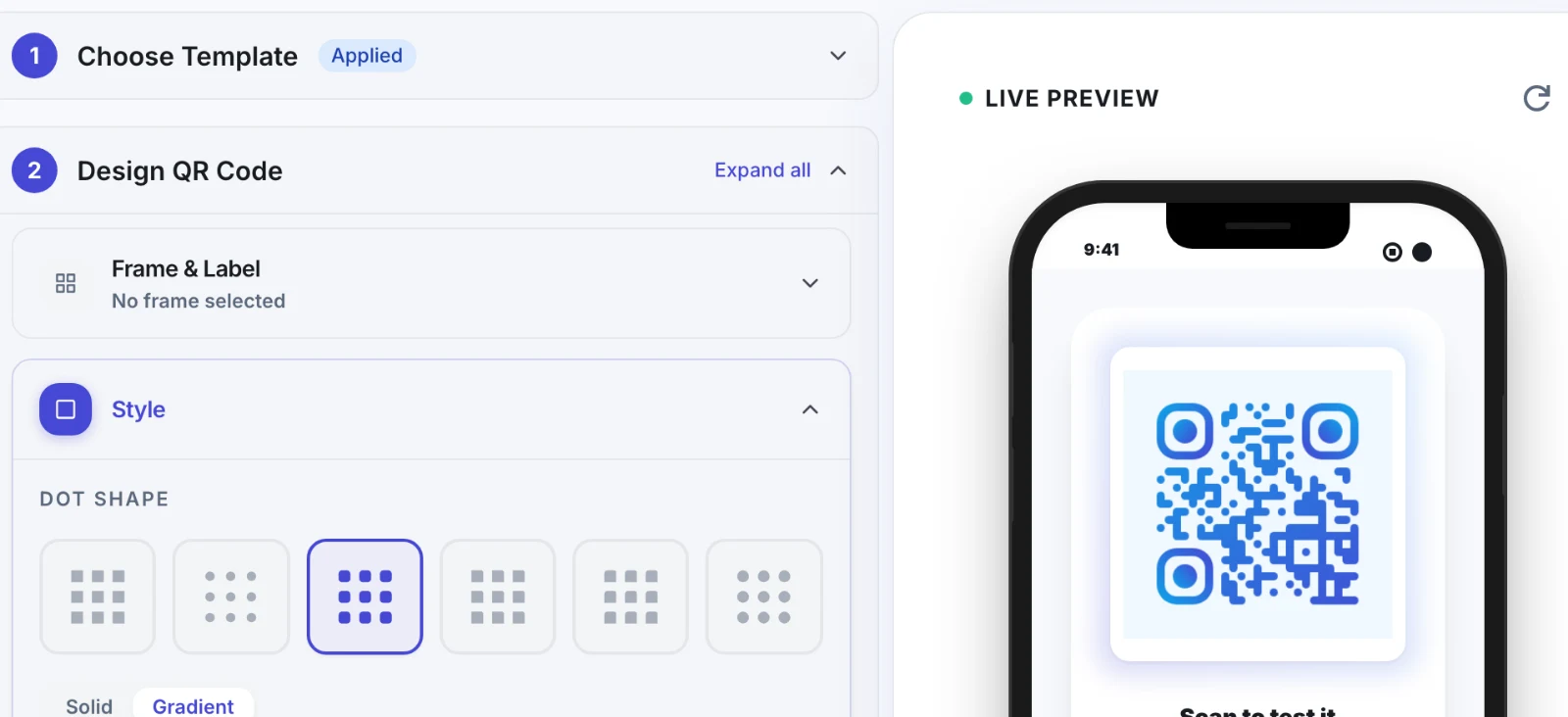
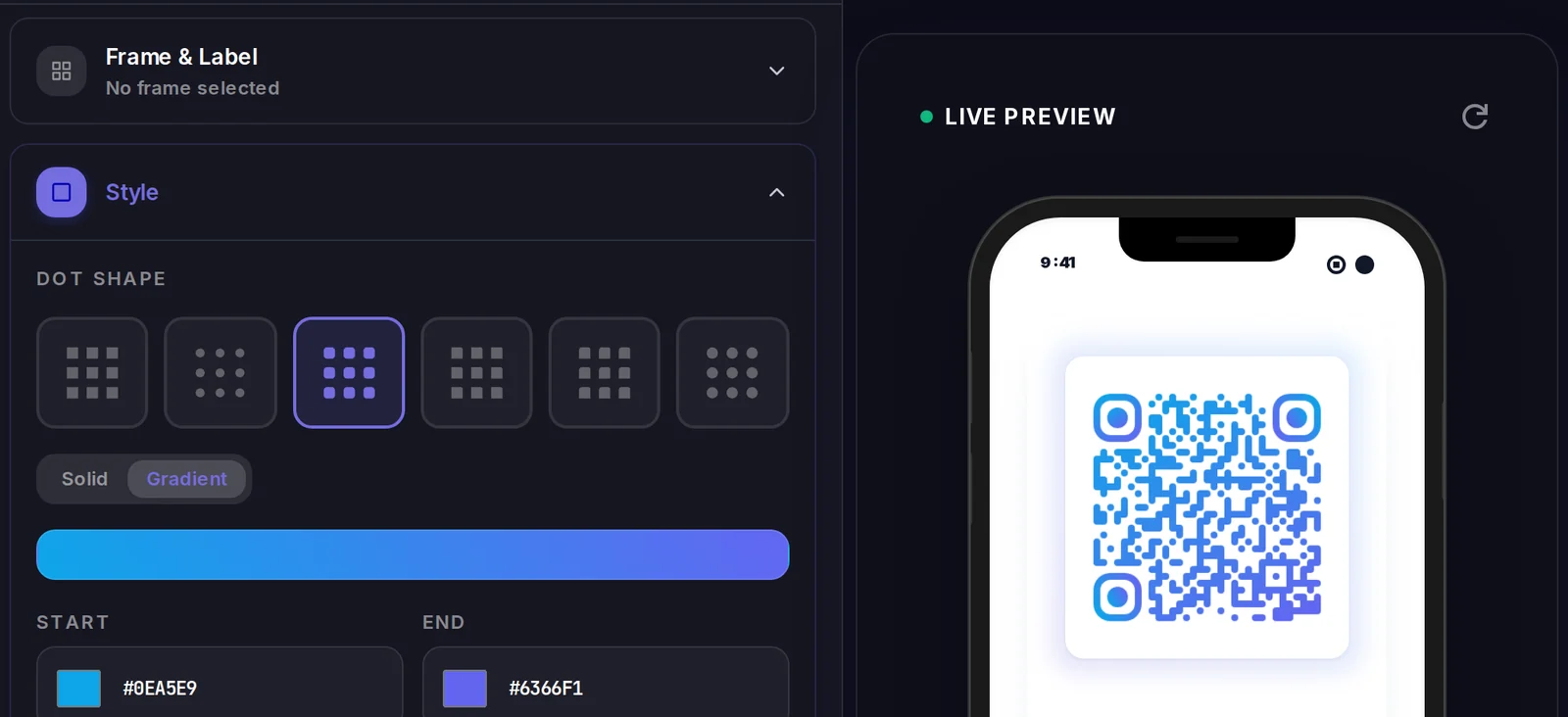
A PayPal QR code carries its data inside the code itself, so there is no landing page to design. What you do control is how the code looks.
Popular uses
- Display a tip-jar QR at a counter, market stall, or busker setup so customers can pay cashless
- Add a 'Pay with PayPal' QR to invoices, receipts, or quotes for faster settlement
- Print a donation QR on flyers and posters for clubs, charities, and fundraisers
- Let freelancers and tutors collect payment in person without sharing bank details
- Put a fixed-amount QR on event tickets, class signups, or product flyers
Why create your PayPal QR code with Qravio
No handle to spell out
Customers scan instead of typing your PayPal.Me name, so there are no typos sending money to the wrong account.
Optional preset amount
Bake a fixed price into the link so the payment page opens pre-filled, ideal for set fees, tips, or ticket prices.
Works with the app or browser
A scan opens your PayPal page in the customer's PayPal app or mobile browser, with no special reader required.
Free and watermark-free
Generate a clean, high-resolution PayPal QR code at no cost, with nothing branded over your design.
PayPal QR code FAQ
What does a PayPal QR code link to?
It links to your PayPal.Me URL (for example paypal.me/yourname). You first create that link for free inside your PayPal account, then paste it into the generator to turn it into a scannable code.
Can I set a specific payment amount?
Yes. Add the amount to the end of your PayPal.Me link, like paypal.me/yourname/25, and the payment page will open pre-filled with that figure. Leave it off to let the payer choose.
Do customers need the PayPal app to pay?
No. Scanning opens your PayPal page in their phone's browser or PayPal app. They sign in to PayPal to complete the payment, but no special QR reader is needed.
Can I change the PayPal account after printing the code?
A static PayPal QR encodes the link permanently, so changing the destination means generating a new code. For an editable code you can repoint later plus scan analytics, create a dynamic QR with a free Qravio account.
Popular use cases
Create your PayPal QR code
Free to start. No watermark. Make it dynamic to edit it later and track every scan.