

QR Code for YouTube Video
A QR code for a YouTube video links any printed or on-screen surface straight to your watch page. Viewers scan with their phone camera and the video opens instantly in the YouTube app—no typing a long URL or searching your channel. With a dynamic code you can point it at a new upload anytime without reprinting.
How QR codes work for youtube video
You generate one QR code and set its destination to your YouTube video URL. Anyone who scans it with a phone camera is redirected to the watch page, which opens in the YouTube app for one-tap subscribing and liking. Because the code is dynamic, you can later repoint it to a newer video, a playlist, or a "subscribe" link without ever changing the printed code.
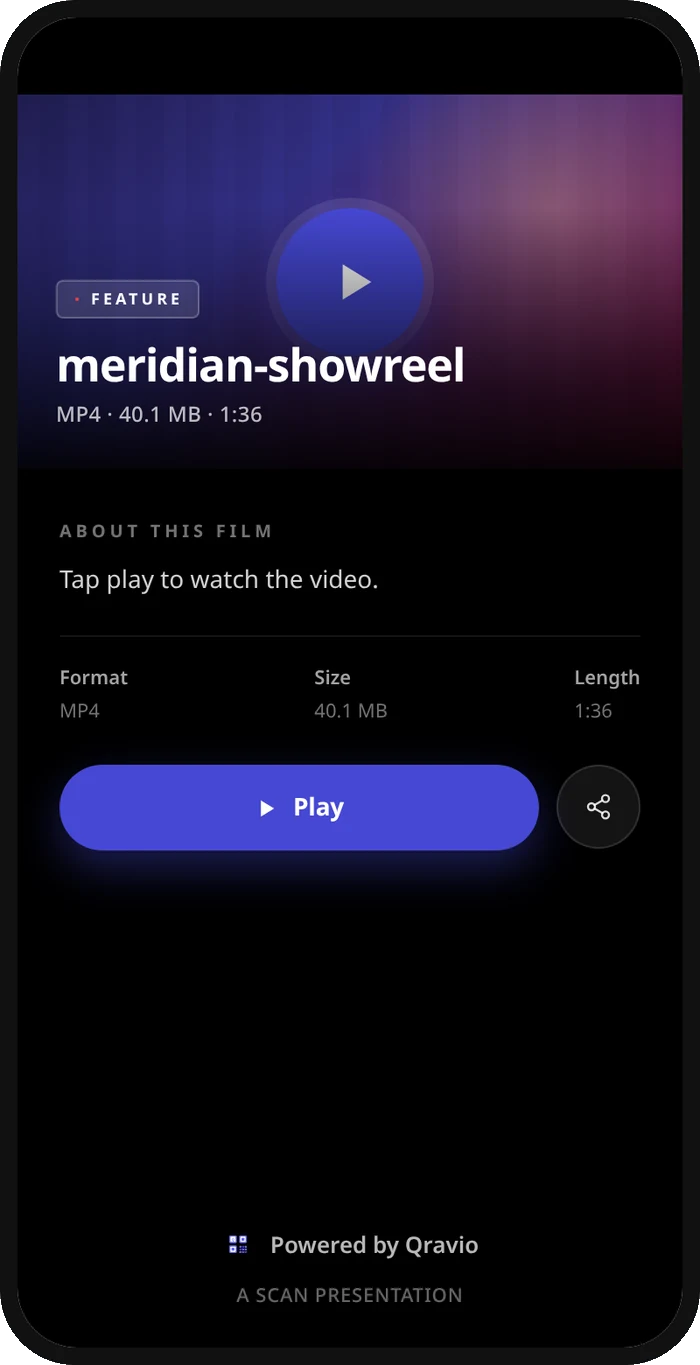
What your youtube video QR opens
A real Qravio scan page, shown with demo content. Every part of it is editable after the code is printed.
Make your YouTube Video QR code
Build it free below, then create an account to make it dynamic — edit it anytime and track scans.
Set up your YouTube Video QR code
- 1Sign up free at qravio.app and choose the Website / URL QR type (it accepts any YouTube link).
- 2Paste your full YouTube video URL — e.g. youtube.com/watch?v=... or a youtu.be short link or playlist.
- 3Customize the code: add your channel colors, drop your logo in the center, and pick a rounded or dotted style so it matches your thumbnail or packaging.
- 4Download a high-resolution PNG or vector SVG that stays crisp at any size, from a video end-screen overlay to a product insert.
- 5Place it on your thumbnail, end card, product packaging, business card, event slide, or merch — then watch scans roll in from your dashboard.
Why use a Qravio QR code for youtube video
Repoint to your newest upload without reprinting
Printed a QR on packaging, flyers, or merch? With Qravio's dynamic codes you edit the destination anytime — swap last month's video for your latest upload or point it at a full playlist while the printed code stays identical.
See exactly where views come from
Real-time scan analytics show how many people scanned, when, and from which city or device — so you can tell whether your packaging insert, conference slide, or end-screen card is actually driving YouTube traffic.
No watermark, even on the free plan
Qravio's free dynamic tier never stamps a logo or watermark on your code, so it sits cleanly on a polished thumbnail or premium product without looking like a free tool generated it.
Skip the long URL and 'search my channel'
Long youtube.com/watch?v= links and 'search for my channel name' instructions kill conversions offline. A scan opens the exact video in the YouTube app in one tap, ready to like and subscribe.
Pro tip
Make a separate dynamic QR code for each placement — one for packaging, one for your business card, one for conference slides — all pointing to the same video. The per-code scan analytics then tell you exactly which channel is actually sending viewers, so you can double down on what works.
YouTube Video QR code FAQ
Can I change which video the QR code points to after I've printed it?
Yes. Qravio codes are dynamic, so you can repoint the same printed code to a new upload, a different video, or a whole playlist anytime from your dashboard — no need to generate or reprint a new code.
Will the QR code open the YouTube app or just a browser?
When a phone has the YouTube app installed, scanning your code opens the video directly in the app, where viewers can subscribe, like, and comment in one tap. Without the app it opens the mobile web player.
Does the free plan add a watermark to my QR code?
No. Qravio's free dynamic tier produces clean, watermark-free codes with no logo stamped on them, so they look professional on thumbnails, packaging, and merch.
Can I track how many people scanned my video QR code?
Yes. Every scan is logged with real-time analytics — total scans plus location, device, and time data — so you can measure which placements (packaging, events, end screens) drive the most YouTube views.
Create your YouTube Video QR code
Free to start. No watermark. Editable and trackable in under a minute.