

QR Code for Podcasts
A podcast QR code gives listeners one scan to reach a hub where they can play your latest episode and subscribe on Spotify, Apple Podcasts, YouTube, or wherever they listen—no searching your name and hoping they find the right show. Because it's dynamic, you point it to a new episode or platform anytime.
How QR codes work for podcast
You point the QR at a listen hub that links every platform you're on—Spotify, Apple, YouTube, RSS—then print it on posters, business cards, merch, and slides, or share it on social. A scanner lands on the hub and taps their preferred app to follow, and because the code is dynamic you can feature a new episode or add a platform without changing anything you've printed.
What your podcast QR opens
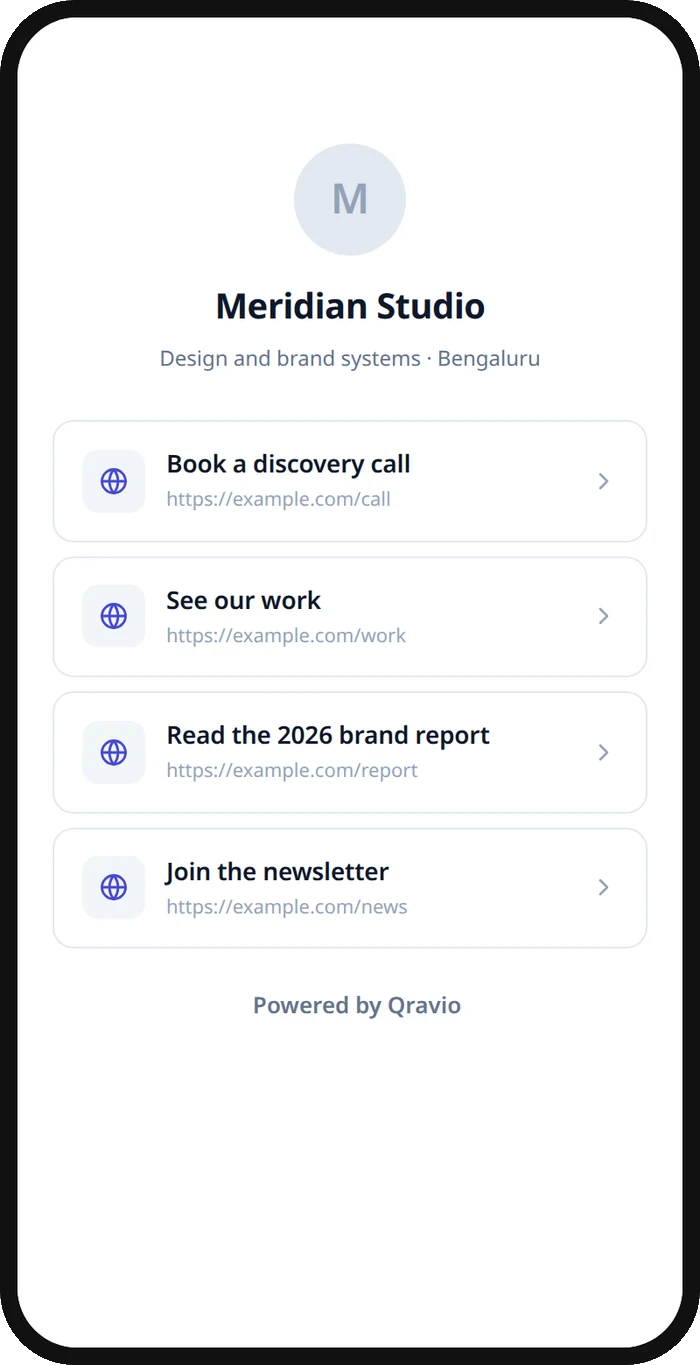
A real Qravio scan page, shown with demo content. Every part of it is editable after the code is printed.
Make your Podcast QR code
Build it free below, then create an account to make it dynamic — edit it anytime and track scans.
Set up your Podcast QR code
- 1Sign in to Qravio and create a dynamic QR pointing to a listen hub with all the places people can hear your show.
- 2Add every platform you're on—Spotify, Apple Podcasts, YouTube, and your RSS feed—plus a follow or newsletter link.
- 3Customize the landing page with your podcast's cover art and colors so it's instantly recognizable to fans.
- 4Download a high-resolution PNG or SVG and add it to posters, business cards, merch, and your episode slides or thumbnails.
- 5Share it anywhere listeners see you, and feature a new episode or add a platform anytime from your dashboard.
Why use a Qravio QR code for podcast
One code for every listening app
Instead of telling people to 'search for us on your podcast app,' send them to a hub where they tap Spotify, Apple, or YouTube directly. Removing that search step is the difference between a curious listener and a lost one.
Feature your newest episode instantly
Point the hub at a fresh episode or a season trailer from your dashboard and every code already on your posters and merch now promotes it. Your latest work is always what a new scanner hears first.
Convert real-world moments into subscribers
A code on a conference badge, a poster, or a guest's merch lets someone who just heard about you subscribe on the spot. You capture the interest at its peak instead of hoping they remember your name later.
See which promos grow your audience
Scan analytics show which posters, events, and placements drive listeners to your hub, so you learn which real-world promotion actually turns into subscribers and do more of it.
Pro tip
Use a distinct code for each promo—festival poster, guest episode, merch sticker—so your analytics reveal which real-world placements actually convert into listeners, then double down on the ones that grow your audience.
Podcast QR code FAQ
What should a podcast QR code link to?
A listen hub that gathers every platform you're on—Spotify, Apple Podcasts, YouTube, and your RSS feed—plus a follow or newsletter option. One scan lets a new listener pick their favorite app and subscribe, instead of searching and possibly landing on the wrong show.
Can I update which episode the code features?
Yes. The code is dynamic, so you can point the hub at a new episode, a trailer, or a season launch anytime from your dashboard. Every code already printed on posters, cards, and merch instantly promotes your latest content—no reprinting.
Where should I put my podcast QR code?
Anywhere people encounter your show: event posters and booths, business cards, merch and stickers, the end screen of a YouTube video, guest appearances, and social graphics. Each placement turns a real-world moment of interest into an easy tap to subscribe.
Do listeners need an app to scan it?
No. Modern phone cameras read QR codes natively, so a listener points their phone and taps through to their preferred podcast app. There's nothing extra to download—just a direct path from your poster to the play button.
Create your Podcast QR code
Free to start. No watermark. Editable and trackable in under a minute.