

QR Code for Photographers
A photographer's QR code lets clients and prospects scan to open your portfolio, a client gallery, your booking page, or your Instagram—straight from a print, a business card, or an album. Because it's dynamic, you point it to your newest work or a specific client's gallery without reprinting anything.
How QR codes work for photographer & portfolio
You point the QR at your portfolio, a private client gallery, or a booking page, then add it to prints, packaging, albums, business cards, and exhibition labels. When someone scans with their phone camera, your latest work opens instantly, and because the code is dynamic you can send the same card to a new gallery or updated portfolio anytime.
What your photographer & portfolio QR opens
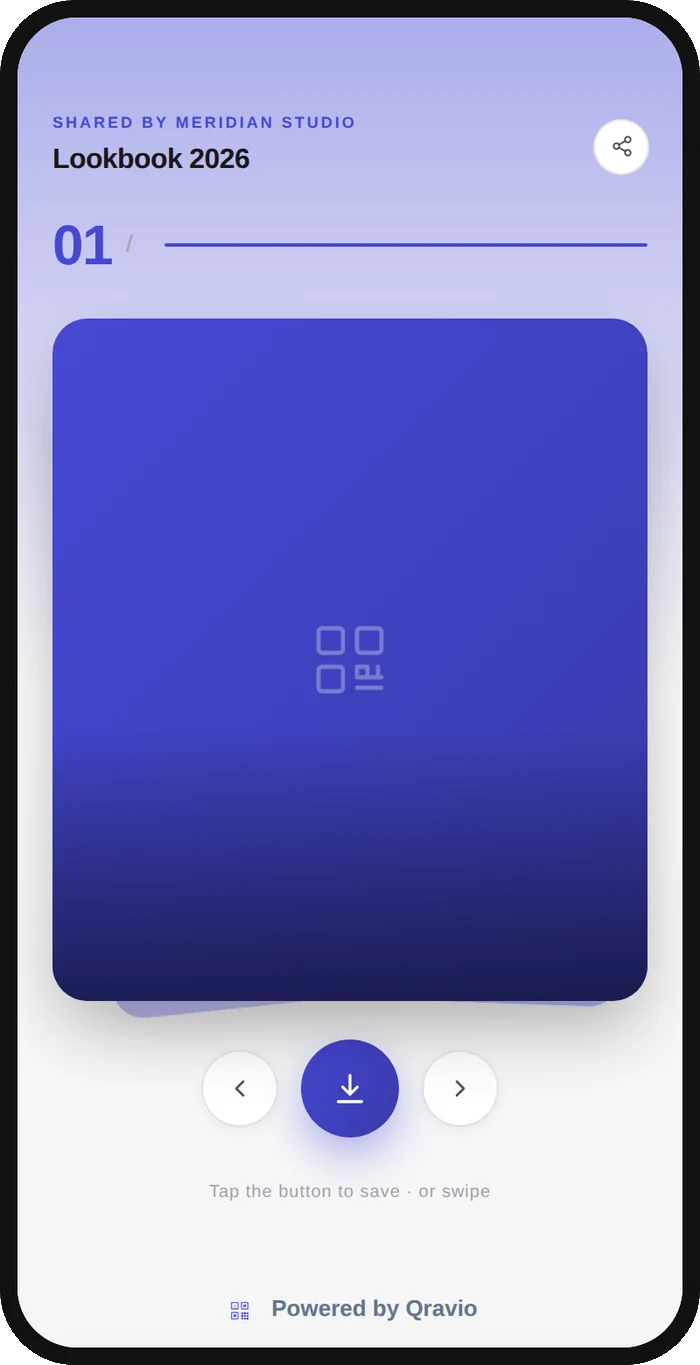
A real Qravio scan page, shown with demo content. Every part of it is editable after the code is printed.
Make your Photographer & Portfolio QR code
Build it free below, then create an account to make it dynamic — edit it anytime and track scans.
Set up your Photographer & Portfolio QR code
- 1Sign in to Qravio and create a dynamic QR pointing to your portfolio, a client gallery, or your booking page.
- 2Choose the destination for the moment—your best work for prospects, a private gallery for a client, or a booking form for inquiries.
- 3Customize the landing page with your studio name, a clean color, and your logo so it feels like part of your brand.
- 4Download a high-resolution PNG or SVG and add it to prints, album covers, packaging, business cards, and gallery labels.
- 5Hand it out or display it, and repoint the code to new work or a specific client's gallery anytime from your dashboard.
Why use a Qravio QR code for photographer & portfolio
Turn a print into a portfolio
Anyone holding your print, album, or card scans to see your full body of work and booking page. A single physical piece becomes a doorway to everything you offer, so admirers of one photo can become paying clients.
Deliver private client galleries
Point a code at a specific client's password-protected gallery so they view and download their photos in a tap. It's a polished, modern handoff that feels far more premium than emailing a folder of files.
Always shows your latest work
Update your portfolio or swap in a new series from your dashboard and every card and print already in circulation now leads to your current work. Your best, newest images are always what a prospect sees first.
Book inquiries at the moment of interest
Send scanners straight to your booking or inquiry form while they're impressed by your work. Capturing the inquiry in that moment beats hoping they'll search for you and reach out days later.
Pro tip
Add a QR to the back of every delivered print and album—when a client's friend admires the work, one scan takes them to your booking page, quietly turning your existing clients into a referral engine.
Photographer & Portfolio QR code FAQ
What should a photographer's QR code link to?
It depends on the moment: your main portfolio for prospects, a private client gallery for delivering a shoot, your booking or inquiry form for new leads, or your Instagram to grow a following. Because the code is dynamic, you can even reuse one card and change where it points per client.
Can I use one code to deliver photos to a specific client?
Yes. Point the code at that client's gallery so they view and download their images in a tap. When the next client comes along you can repoint the same style of card to their gallery, so your delivery always feels bespoke without new print runs.
Will my portfolio stay current on already-printed cards?
Yes. The code is dynamic, so updating your portfolio or swapping in new work in Qravio changes what every printed card and album leads to. Cards you handed out months ago always open your latest, best images—no reprinting.
Do clients need an app to view my work?
No. Modern phone cameras read QR codes natively, so a client just points their phone at the print or card and your gallery opens in their browser. There's no app or login required to simply view your portfolio.
Create your Photographer & Portfolio QR code
Free to start. No watermark. Editable and trackable in under a minute.