

QR Code for Museums & Exhibits
A museum QR code lets visitors scan an exhibit label to hear an audio guide, read deeper background, watch a short film, or get a translation—on their own phone, no rented handset. Because it's dynamic, you correct a detail or add a language once and every label's code updates instantly.
How QR codes work for museum & exhibit
You give each exhibit or gallery a QR that points to its content—an audio guide, extended notes, a video, or translations—then print the code onto the wall label or plaque. A visitor scans with their phone camera and the piece's guide opens instantly, so enriching or correcting the content never means reprinting the labels.
What your museum & exhibit QR opens
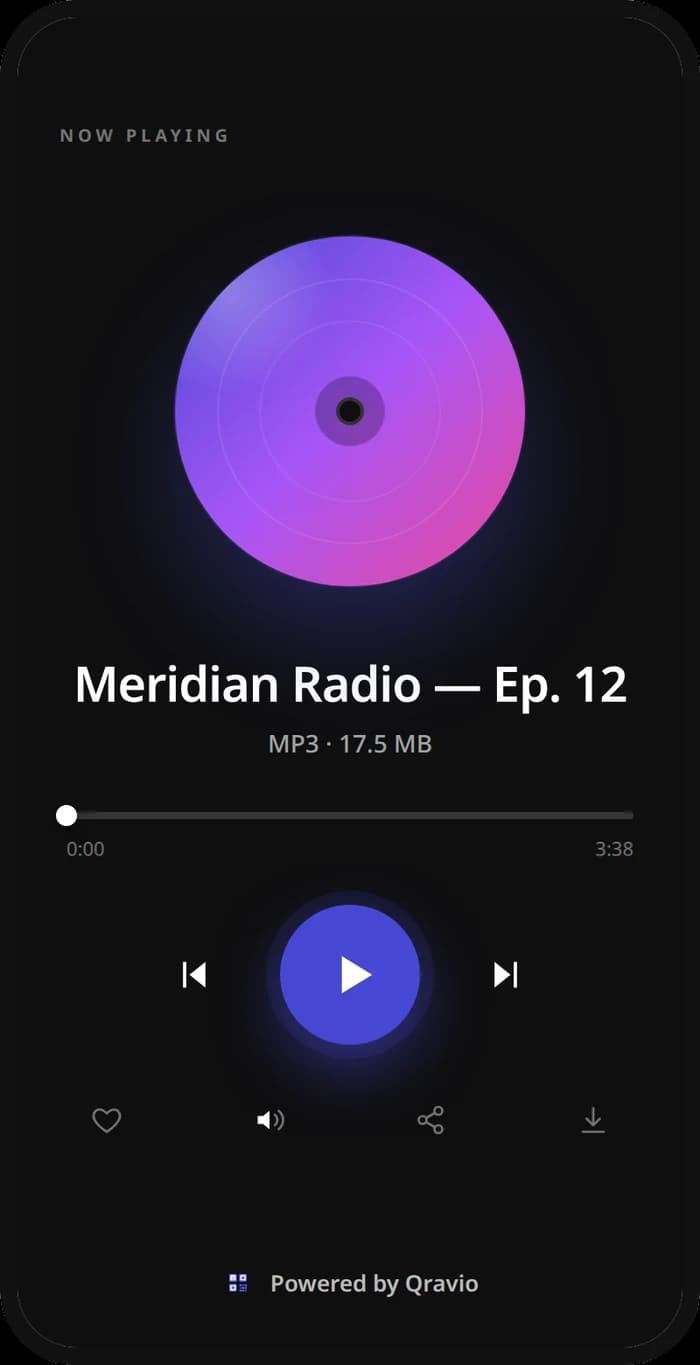
A real Qravio scan page, shown with demo content. Every part of it is editable after the code is printed.
Make your Museum & Exhibit QR code
Build it free below, then create an account to make it dynamic — edit it anytime and track scans.
Set up your Museum & Exhibit QR code
- 1Sign in to Qravio and create a dynamic QR for each exhibit or gallery, pointing to its guide content.
- 2Add what deepens the visit: an audio guide, extended background, a short video, artist notes, or translated versions.
- 3Customize the landing page with your museum's logo and colors so the experience feels curated, not generic.
- 4Download a high-resolution PNG or SVG and print each code onto the exhibit's wall label or plaque.
- 5Place a code per piece or gallery, and refine the audio, notes, or translations anytime from your dashboard—no reprinting labels.
Why use a Qravio QR code for museum & exhibit
Bring-your-own-device audio guides
Visitors use their own phones and earbuds instead of a rented headset you have to clean, charge, and restock. It's a lower-cost, more hygienic guide that every visitor already knows how to use.
Go as deep as each visitor wants
Casual visitors read the label; curious ones scan for the full story, a video, or the curator's notes. One code serves both without cluttering the wall, letting each person choose their own depth of experience.
Add languages and fixes without reprinting
Add a new translation, correct a date, or expand a description from your dashboard and every label's code reflects it instantly. Your interpretation stays current and accessible without a single reprinted plaque.
See which exhibits engage visitors
Scan analytics reveal which pieces and galleries visitors dig into most, giving you real data to shape future exhibits, guide routes, and where to invest in richer content.
Pro tip
Give each gallery or major piece its own code so your analytics show which exhibits visitors engage with most—use that to plan tour routes, prioritize which pieces get richer content, and justify future exhibitions.
Museum & Exhibit QR code FAQ
What can a museum QR code give visitors?
Whatever enriches the piece: an audio guide, extended background and history, a short documentary clip, artist or curator notes, and translations. Each exhibit's code becomes an optional deeper layer that visitors choose to explore, without crowding the physical label.
Do visitors need to rent a device or install an app?
No. Visitors use their own phone's camera and their own earbuds—no rented audio-guide handset and no app to download. It lowers your equipment costs and hygiene overhead while giving visitors a familiar, self-paced experience.
Can I update exhibit information after printing the labels?
Yes. The codes are dynamic, so you edit the audio, notes, or translations in your dashboard anytime and every printed label reflects it instantly. You can correct a detail or add a language without reprinting a single plaque.
Can I offer the guide in multiple languages?
Yes. Put translated versions behind the exhibit's code so international visitors get the content in their language. Because it's dynamic, you can add more languages over time and every existing label immediately offers them.
Create your Museum & Exhibit QR code
Free to start. No watermark. Editable and trackable in under a minute.