

QR Code for Hotel Rooms & Hospitality
A hotel room QR code gives guests one scan to reach your wifi, room-service menu, checkout time, amenities, and local recommendations—no thick binder, no calling the front desk. Because it's dynamic, you update the breakfast hours or a new spa offer once and every room's code reflects it instantly.
How QR codes work for hotel & hospitality
You point the QR at a digital guest directory—wifi, dining, services, checkout, and local tips—then print it on a tent card, a desk placard, or a door sign in each room. A guest scans with their phone camera and the current directory opens instantly, so a menu change or a new amenity never means reprinting cards for every room.
Make your Hotel & Hospitality QR code
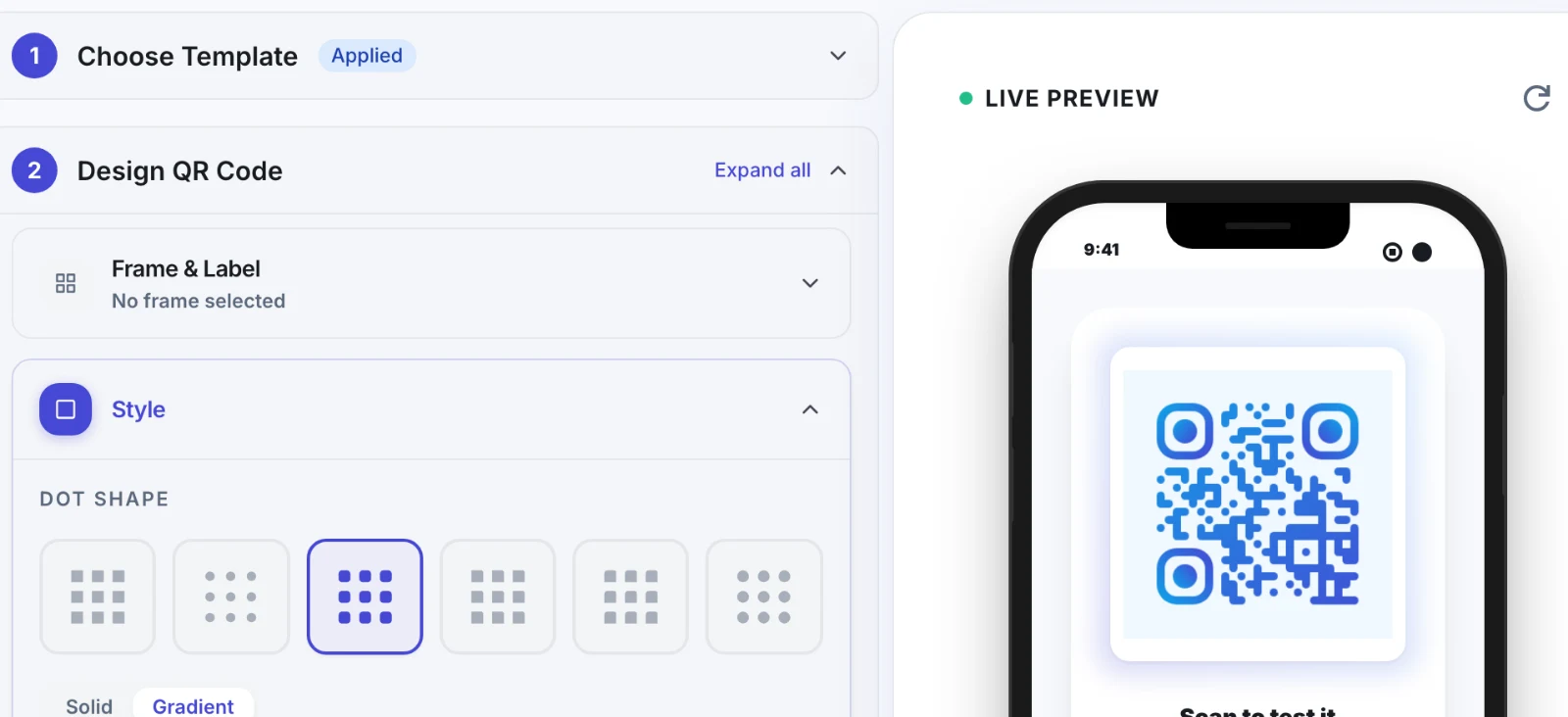
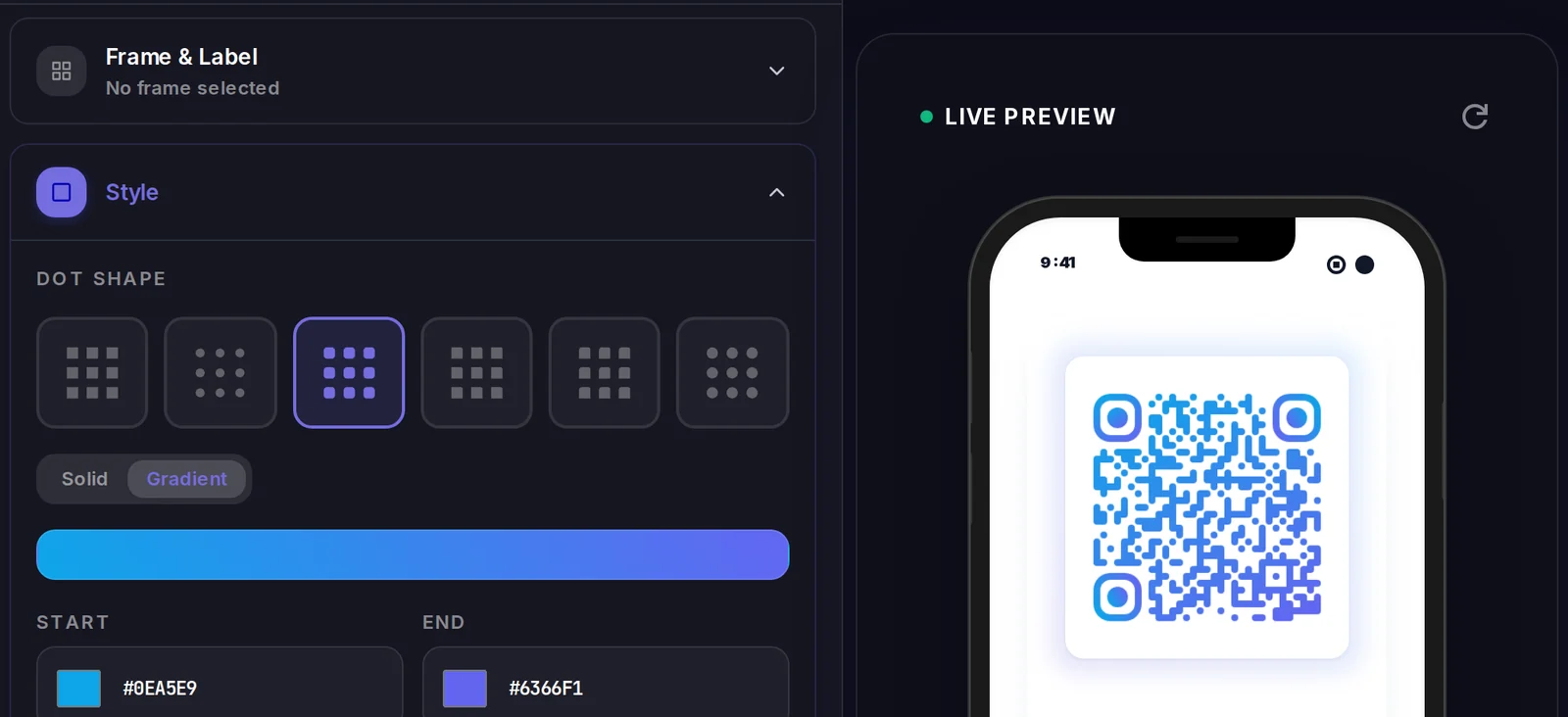
This type stores its data inside the code itself, so there is no landing page — but the code is still yours to style.
Make your Hotel & Hospitality QR code
Build it free below, then create an account to make it dynamic — edit it anytime and track scans.
Set up your Hotel & Hospitality QR code
- 1Sign in to Qravio and create a dynamic QR pointing to your digital guest directory or services page.
- 2Add what guests need in-room: wifi login, room-service and dining menus, checkout time, amenities, and nearby recommendations.
- 3Customize the landing page with your property's logo and colors so it reads as a seamless part of the guest experience.
- 4Download a high-resolution PNG or SVG and print it on in-room tent cards, desk placards, or door signage.
- 5Place one in each room, then update dining hours, offers, or services anytime from your dashboard—no reprinting.
Why use a Qravio QR code for hotel & hospitality
Lighten front-desk call volume
Guests find wifi, checkout time, and dining hours themselves with one scan instead of dialing the desk. Your staff handles fewer repetitive questions and guests get instant answers at any hour.
Update every room from one place
Change breakfast hours, a spa promotion, or the room-service menu in your dashboard and every room's code updates at once. You stop reprinting tent cards for the whole property whenever a detail changes.
Upsell dining, spa, and late checkout
A branded guest directory is the perfect place to surface paid extras—room service, spa treatments, late checkout—so guests discover and book them from their phone, turning in-room downtime into incremental revenue.
Consistent, branded guest experience
A clean directory in your colors and logo feels far more premium than a worn paper binder, reinforcing your brand from the moment a guest settles into the room.
Pro tip
Feature one timely offer at the top of the guest directory—late checkout, a spa discount, tonight's special—and rotate it from your dashboard; scan analytics will tell you which promotions guests actually tap.
Hotel & Hospitality QR code FAQ
What goes on a hotel room QR code?
A digital guest directory: wifi login, room-service and restaurant menus, checkout time, amenities and hours, housekeeping requests, and local recommendations. One scan replaces the in-room binder and keeps everything a guest needs in a single, up-to-date place.
Can I update details across all rooms at once?
Yes. The code is dynamic, so editing your guest directory in Qravio updates every room's code simultaneously. Change dining hours or add a promotion once and every tent card in the property reflects it instantly—no reprinting hundreds of cards.
Do guests need to download an app?
No. Modern phone cameras read QR codes natively, so a guest points their phone at the tent card and the directory opens in their browser. There's no app or login, which suits international guests and keeps the experience effortless.
Can I use it to promote room service or the spa?
Yes. Feature your dining, spa, and late-checkout offers in the guest directory behind the code so guests can browse and request them from the room. It's a low-pressure, always-available way to surface paid extras and lift per-stay revenue.
Create your Hotel & Hospitality QR code
Free to start. No watermark. Editable and trackable in under a minute.