

QR Code for Food Trucks
A food truck QR code puts your menu, today's location and hours, online ordering, and social links one scan away—perfect for a window decal or a sidewalk A-frame. Because it's dynamic, you update tomorrow's spot or sell-out items once and every printed code shows it instantly.
How QR codes work for food truck
You point the QR at your menu, a link hub with your schedule and socials, or an order-ahead page, then print it on the truck window, the serving hatch, and your A-frame sign. A hungry customer scans with their phone camera and gets the current menu and location, so moving to a new spot or 86ing a dish never means reprinting the decal.
What your food truck QR opens
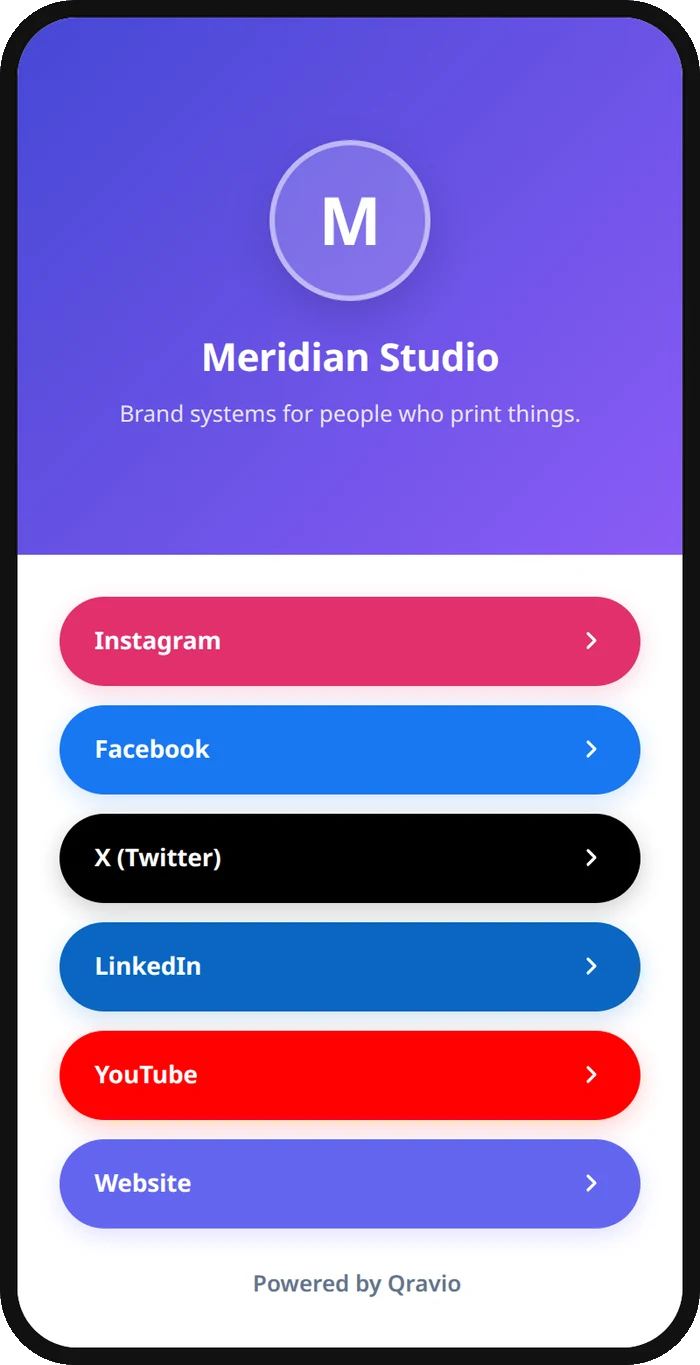
A real Qravio scan page, shown with demo content. Every part of it is editable after the code is printed.
Make your Food Truck QR code
Build it free below, then create an account to make it dynamic — edit it anytime and track scans.
Set up your Food Truck QR code
- 1Sign in to Qravio and create a dynamic QR pointing to your menu, an order-ahead page, or a link hub with your schedule and socials.
- 2Add what customers need in line: today's menu and prices, where you're parked and until when, and how to follow you for next time.
- 3Customize the landing page with your truck's logo and colors so it looks as good as your branding on the truck.
- 4Download a high-resolution PNG or SVG and stick it on the window, the serving hatch, and your A-frame sign.
- 5Update your location, hours, and menu from your dashboard each day—the printed code always shows where you are now.
Why use a Qravio QR code for food truck
Tell fans where you're parked today
Update tomorrow's location and hours in your dashboard and the code on your truck and socials always points to your current spot. Regulars scan to find you instead of guessing from an outdated flyer.
Move the line faster with a phone menu
Customers browse the full menu on their phone while they wait, so they're ready to order the moment they reach the window. A faster line means more covers during your limited service hours.
Take order-ahead and skip-the-line
Point the code at an order-ahead page so customers pay before they arrive and skip the queue. It smooths your rush, increases the orders you can handle, and keeps the line from scaring people off.
Grow the following that finds you
Send scanners to your Instagram or a follow hub so today's customer knows where you'll be next week. For a business that moves, your social following is your storefront—and the code feeds it.
Pro tip
Put your 'follow us for next week's location' link front and center behind the code—for a truck that moves, converting today's walk-up into a follower is what fills the line at your next stop.
Food Truck QR code FAQ
Can I update my location every day with the same code?
Yes, and it's the biggest win for a truck. The code is dynamic, so you change today's location and hours from your dashboard and the sticker on your truck—and any code you've posted online—always shows where you're parked now. No reprinting when you move.
What should a food truck QR code link to?
Usually a link hub or menu page combining today's menu and prices, your current location and hours, an order-ahead link, and your socials. One scan answers the two questions every customer has: what's good, and where will you be next.
Can customers order ahead by scanning?
Yes. Point the code at an order-ahead or online-ordering page and customers pay before they reach the window, skipping the line. It helps you handle your lunch rush and captures orders you'd otherwise lose when the queue gets long.
Do customers need an app to see the menu?
No. Modern phone cameras read QR codes natively, so a customer points their phone at the window decal and your menu opens instantly. There's no app to download, which keeps a hungry line moving.
Create your Food Truck QR code
Free to start. No watermark. Editable and trackable in under a minute.