

QR Code for Airbnb & Vacation Rentals
An Airbnb QR code gives your guests one scan to reach everything they need—wifi password, house rules, appliance instructions, checkout steps, and your local recommendations—without texting you at midnight. Because it's dynamic, you update the wifi or the checkout time once and every printed code shows the change instantly.
How QR codes work for airbnb & vacation rental
You point the QR code to a single guest page or link hub that holds your house manual, wifi details, and local guide, then print it on a welcome card, a fridge magnet, or a framed sign by the door. When a guest scans it with their phone camera, the latest version opens instantly—so updating a lockbox code or a checkout time never means reprinting anything.
What your airbnb & vacation rental QR opens
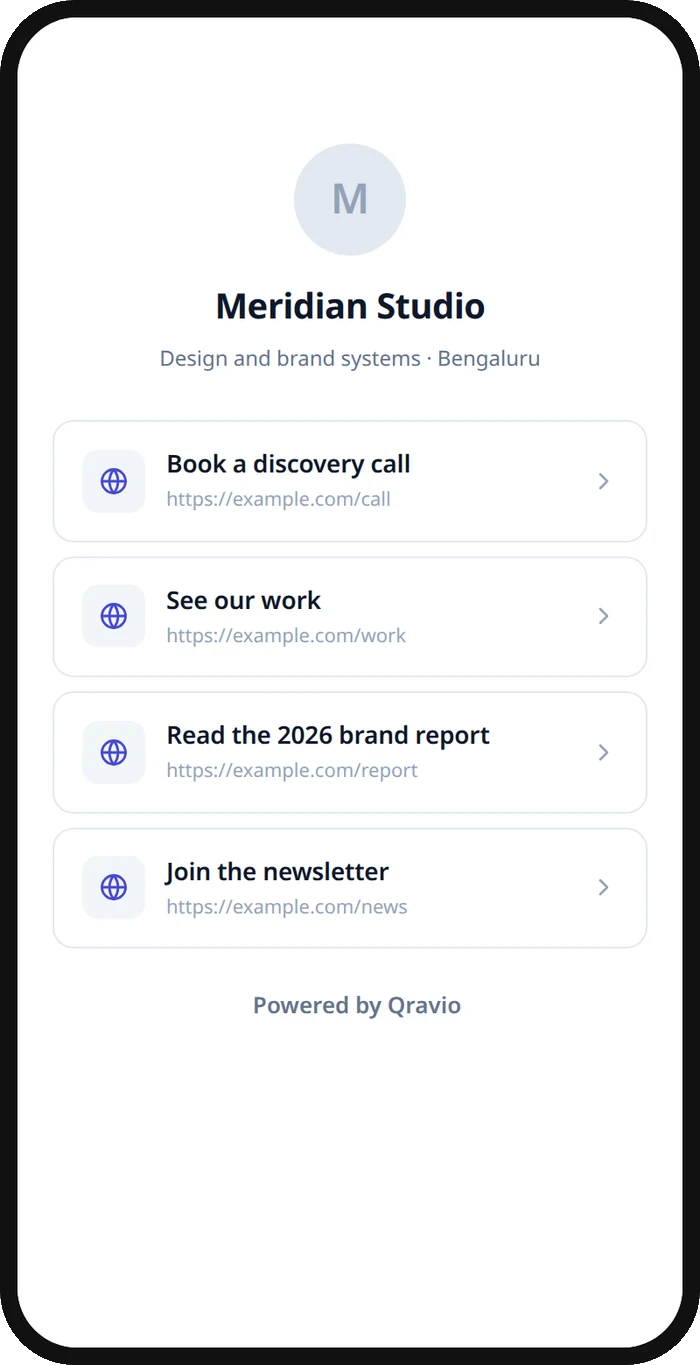
A real Qravio scan page, shown with demo content. Every part of it is editable after the code is printed.
Make your Airbnb & Vacation Rental QR code
Build it free below, then create an account to make it dynamic — edit it anytime and track scans.
Set up your Airbnb & Vacation Rental QR code
- 1Sign in to Qravio and create a dynamic QR that points to your guest info page or a link hub (wifi, house manual, checkout, local tips).
- 2Add the essentials guests always ask for: wifi network and password, door or lockbox code, trash day, and checkout time.
- 3Customize the landing page with your property name, a cover photo, and your brand colors so it feels like a professional welcome, not a note taped to the wall.
- 4Download the QR as a high-resolution PNG or SVG and print it on a welcome card, a framed sign, or a fridge magnet.
- 5Place it somewhere guests see on arrival—entry table, kitchen counter, or inside a welcome binder—and update the details anytime from your dashboard.
Why use a Qravio QR code for airbnb & vacation rental
Fewer midnight 'how does the wifi work' texts
Guests scan once and find the wifi password, thermostat instructions, and checkout steps themselves. You field fewer interruptions during every stay, and guests get answers instantly instead of waiting for a reply.
Update details without reprinting a thing
Change the wifi password, a lockbox code, or the checkout time and just edit the destination in Qravio. Every welcome card and framed sign already in the unit points to the new info—no reprinting between guests.
Higher reviews from a smoother arrival
A clean, branded guest page with everything in one place makes check-in feel effortless and professional. Smooth arrivals and clear instructions are exactly what turns into five-star reviews and repeat bookings.
Free and watermark-free for every listing
Qravio's dynamic tier is genuinely free with no watermark on your code, so a single host or a small property manager can put a polished QR in every unit without a subscription.
Pro tip
Add your local recommendations—coffee, dinner, the nearest pharmacy—to the guest page behind the code; it's the detail guests remember and mention in reviews, and you can refresh it seasonally without touching the printed card.
Airbnb & Vacation Rental QR code FAQ
What should I link my Airbnb QR code to?
Point it to a single guest page or a link hub that holds the things guests ask about most: wifi network and password, door or lockbox code, appliance instructions, house rules, checkout steps, and a short local guide. Keeping it all behind one code means guests scan once instead of hunting through a binder.
Can I change the wifi password or checkout time after printing?
Yes. A Qravio QR is dynamic, so the printed code points to a destination you edit anytime. Update the wifi password, a new lockbox code, or the checkout time and every card and sign already in your unit shows the change instantly—no reprinting.
Do guests need to install an app to scan it?
No. Every modern iPhone and Android reads QR codes with the built-in camera, so guests just point and tap the link that appears. There's no app to download and no account to create, which keeps arrival friction to zero.
Can I use one QR code across multiple properties?
Use a separate dynamic QR per property so each one shows the right wifi, lockbox code, and local tips, and so your scan analytics tell you how often each unit's guide gets used. Creating one code per listing takes a minute and keeps every guest on the correct instructions.
Create your Airbnb & Vacation Rental QR code
Free to start. No watermark. Editable and trackable in under a minute.