

vCard QR Code
A vCard QR code encodes contact details, name, phone numbers, email, company, job title, website, and address, in the vCard (.vcf) format. When someone scans it with a phone camera, their device offers to save you as a new contact in one tap, no typing and no app required.
Save your contact to their phone
This code is fixed once it's printed. A dynamic code can be:
How a vCard QR code works
A vCard QR code packs your contact fields into the standard .vcf format that every smartphone understands. On scan, the phone opens an "Add Contact" card pre-filled with your details, so the person just taps Save. With a dynamic vCard from Qravio, the same code links to a hosted contact page you can edit anytime, and every scan is tracked.
Make a vCard QR code
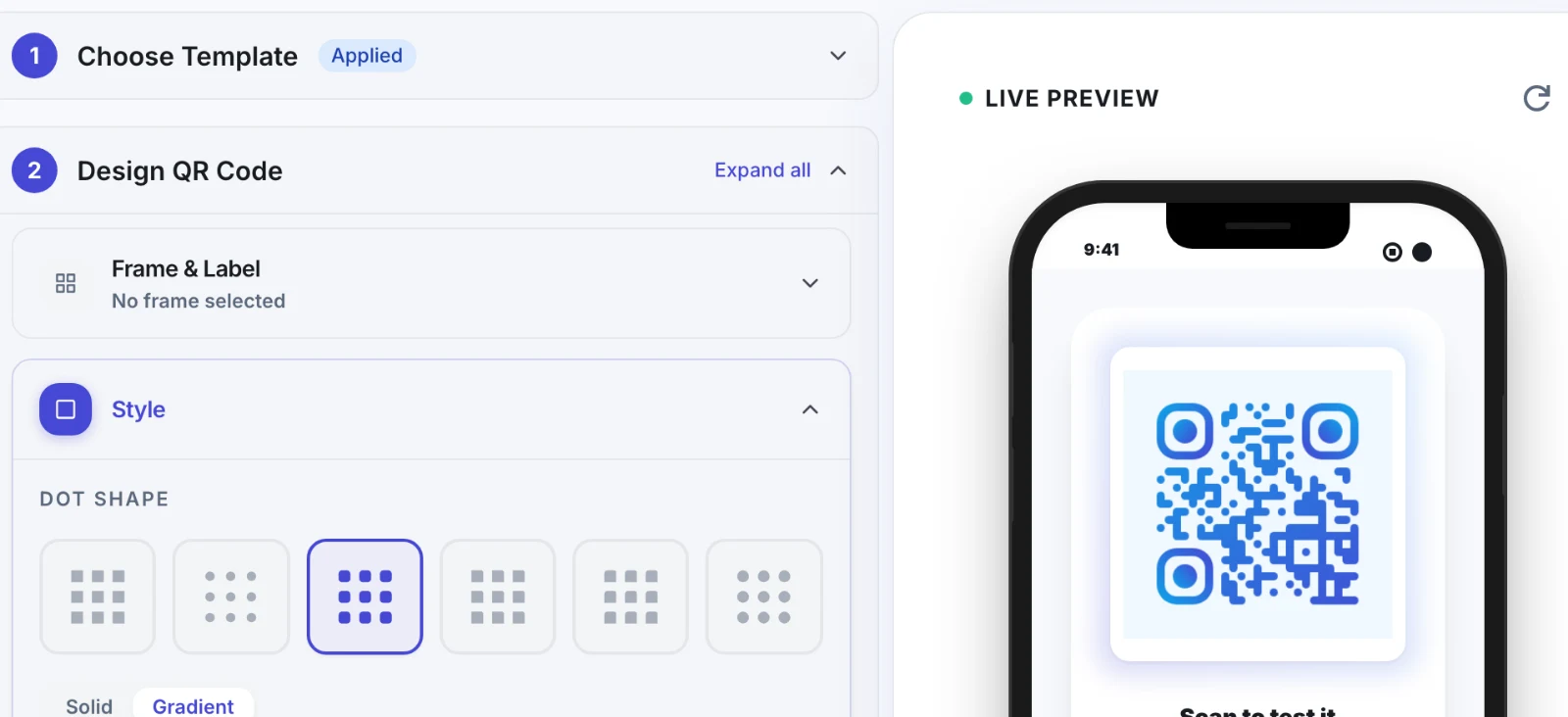
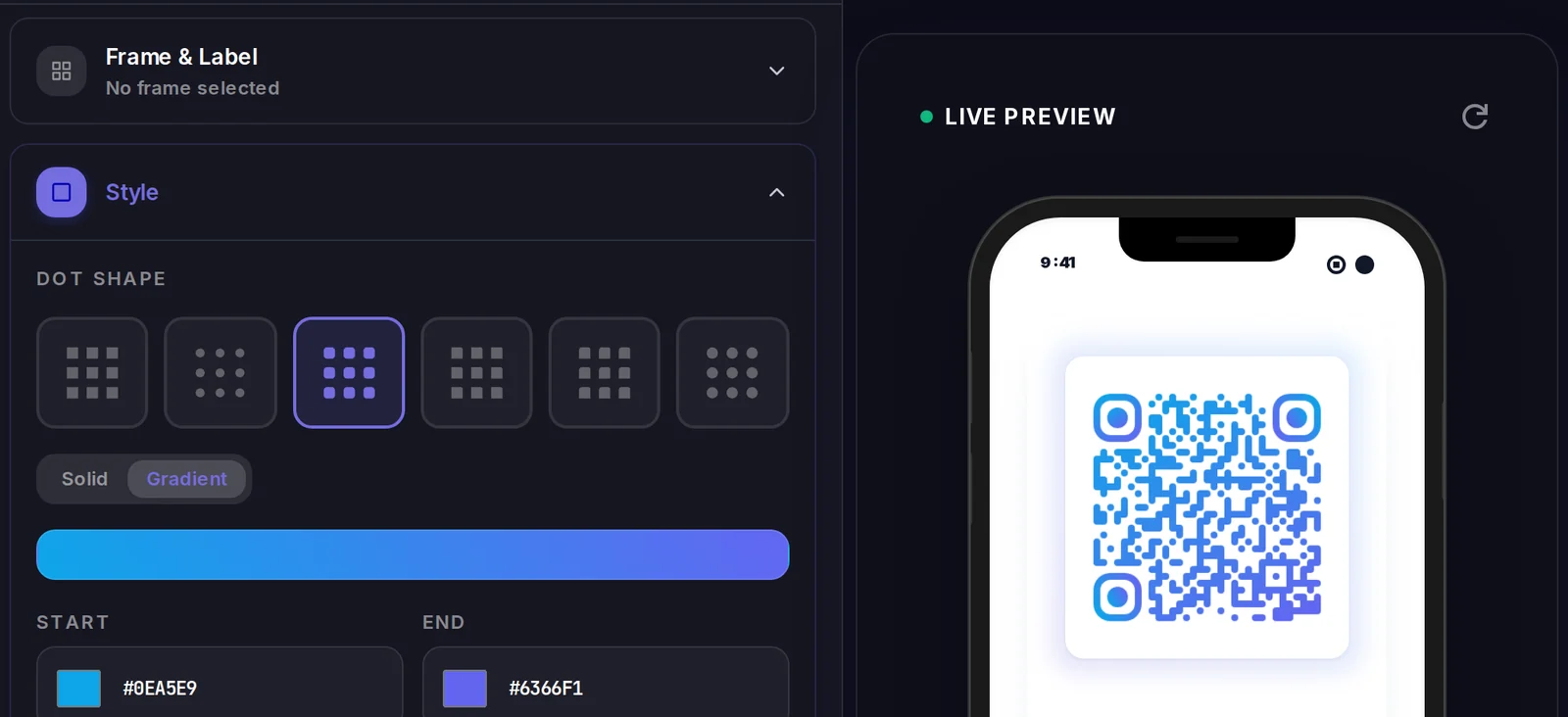
A vCard QR code carries its data inside the code itself, so there is no landing page to design. What you do control is how the code looks.
Popular uses
- Print a vCard QR on your business card or badge so contacts save your details instantly instead of typing them
- Add a scannable contact code to your email signature, resume, or LinkedIn profile
- Put it on storefront windows, trade-show stands, and product packaging so leads save your sales rep in one tap
- Embed it in slide decks and webinar landing pages to capture follow-ups after a talk
- Give field teams and realtors a single editable code that always shows their current phone and email
Why create your vCard QR code with Qravio
One-tap contact saving
Scanners get a pre-filled Add Contact card with your name, phone, email, and company, no manual typing and no app to install.
Editable without reprinting
With a dynamic vCard, change your phone number, title, or company anytime, the printed QR keeps working and points to the updated details.
See who's connecting
Track scans in real time, total, by location, device, and date, so you know which cards, events, or signatures actually drive contacts.
Free and no watermark
Generate a clean vCard QR on Qravio's free tier, no logo stamped over it and no signup needed for a static code.
vCard QR code FAQ
How does a vCard QR code work?
It stores your contact fields in the vCard (.vcf) format. When a phone scans it, the camera recognizes the vCard data and offers to save a new contact pre-filled with your name, phone, email, and company, so the person just taps Save.
What's the difference between a static and dynamic vCard QR code?
A static vCard embeds the contact details directly in the QR image, so they can't change once printed. A dynamic vCard links to a hosted contact page you can edit anytime and adds scan analytics, the printed code never has to be replaced.
Do people need an app to scan my vCard QR code?
No. The built-in camera on modern iPhone and Android phones reads vCard QR codes natively and prompts to add the contact, no third-party scanner app required.
Can I edit my contact details after printing the QR code?
Yes, if you use a dynamic vCard. Update your phone, email, title, or company in Qravio and every existing code instantly reflects the change. Static vCards are fixed at the moment you generate them.
Popular use cases
Create your vCard QR code
Free to start. No watermark. Make it dynamic to edit it later and track every scan.