

UPI QR Code
A UPI QR code encodes a standard upi://pay link carrying your UPI ID (VPA) and, if you add them, a payee name, a suggested amount in rupees and a short note. Scan it from inside any UPI app — Google Pay, PhonePe, Paytm, BHIM or your bank app — and the send screen opens with your details already filled in, so the payer only has to confirm. It is a static code: those details live in the printed pattern itself, so it works with no internet on your side and never expires, but it records no scans and cannot be edited once printed.
Take a UPI payment straight into your bank
This one opens straight on the scanner's phone, with no page in between — which is why it stays free, and why there are no scans to track.
What dynamic codes do insteadHow a UPI QR code works
The generator turns what you type into one NPCI-standard string, for example upi://pay?pa=yourname@okhdfcbank&pn=Your%20Shop&am=250.00&cu=INR&tn=Invoice%20114, and encodes that string straight into the black-and-white pattern. A UPI app reads it, resolves the UPI ID with the payer's bank and opens its send screen pre-filled. Nothing in between touches Qravio: there is no short link, no redirect and no server call at the moment of the scan, and the money then moves between the payer's bank and yours over the UPI network. Qravio is not in the payment path, takes no share of it and never sees it. Three consequences are worth knowing before you print. First, the amount is a prefill, and every UPI app shows it in an editable field, so treat it as a saved keystroke rather than a promise of what will arrive. Second, the payee name is a label passed to the payer's app, not a business identity anyone has checked: we validate that your UPI ID is well formed, but nobody outside a bank or PSP can confirm who owns it, so read your own ID back character by character before a print run. Third, because the scan never reaches us, the code shows zero scans for its whole life and the UPI ID inside it cannot be swapped later.
Make a UPI QR code
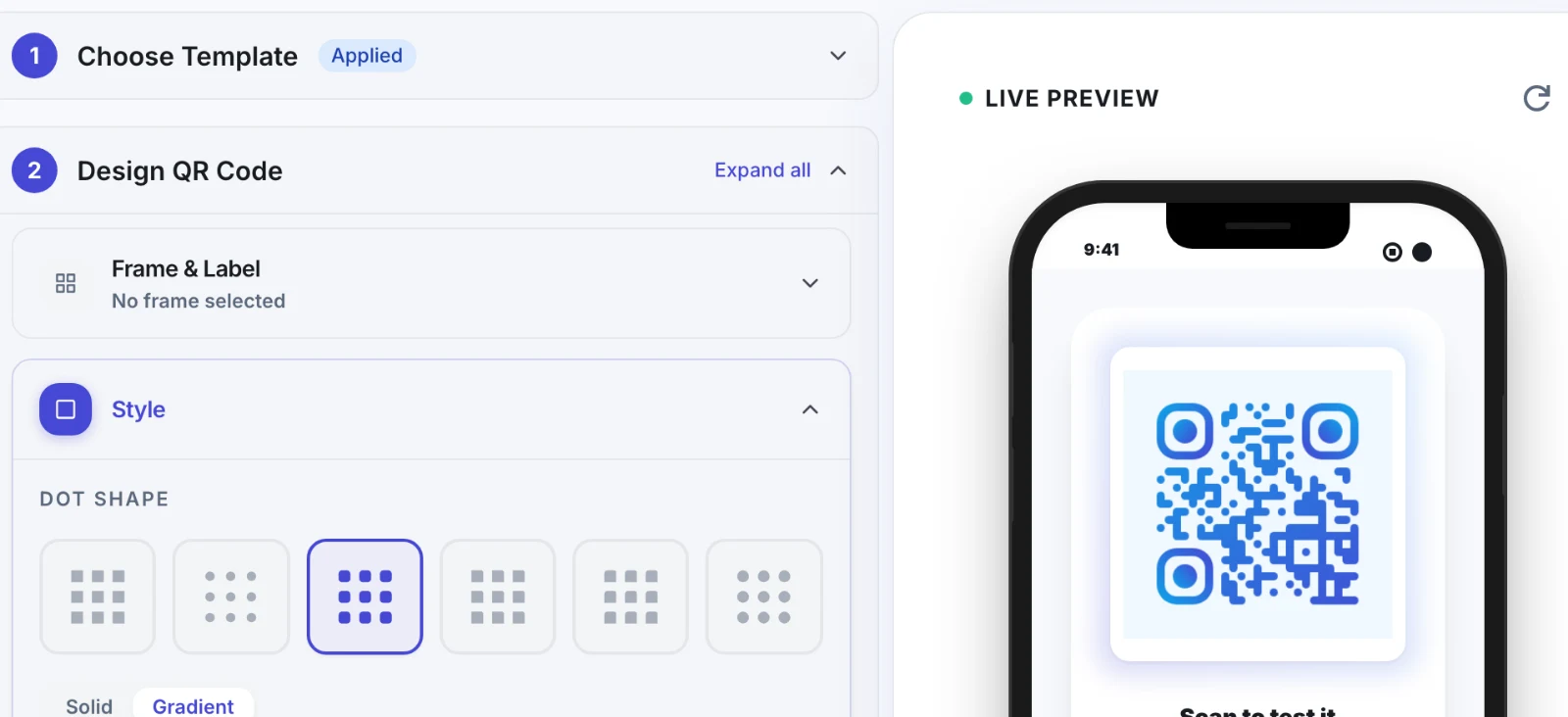
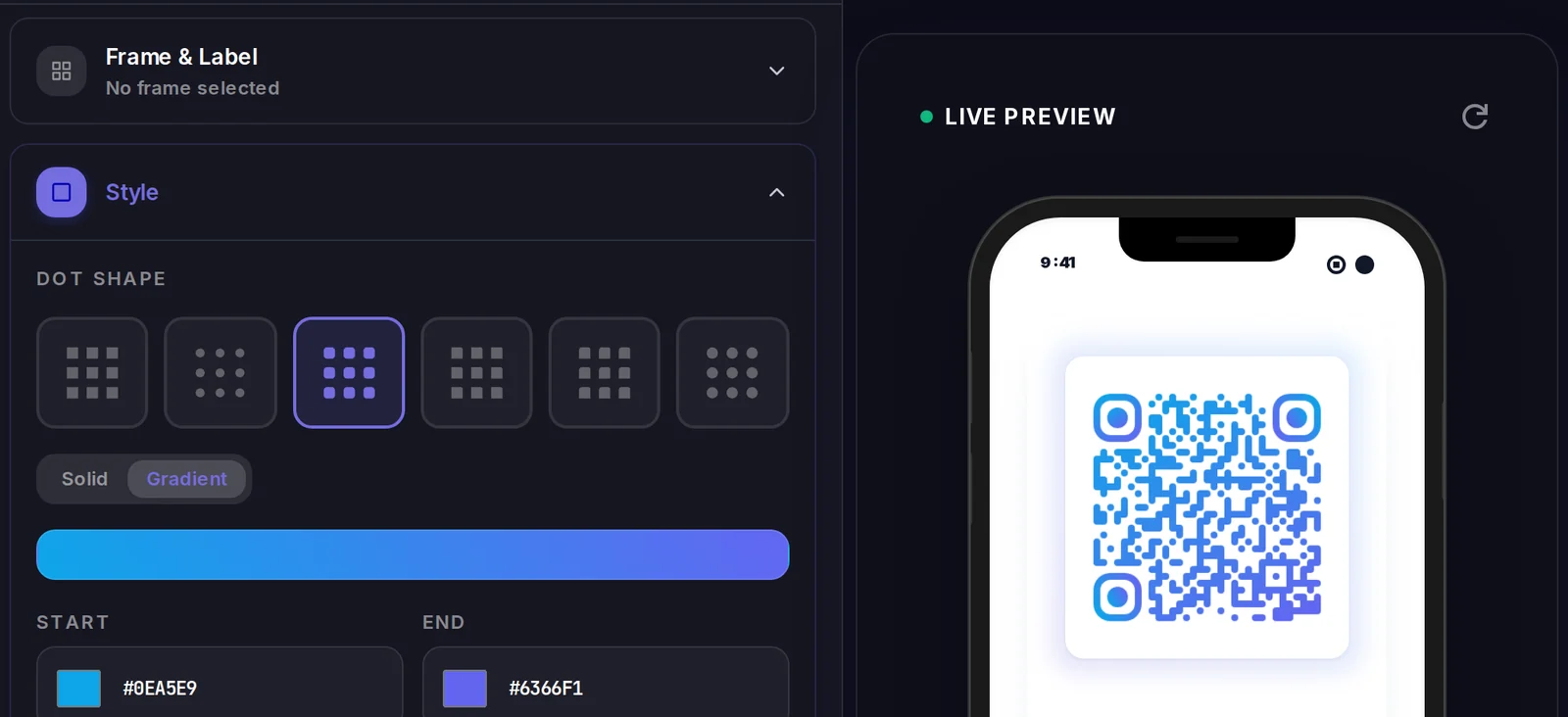
A UPI QR code carries its data inside the code itself, so there is no landing page to design. What you do control is how the code looks.
Popular uses
- Stand a counter card in a salon, bakery or hardware shop so customers pay from their own UPI app instead of hunting for change
- Add a payment code to a freelancer, tutor or designer invoice so the fee can be settled the moment the client reads it
- Stick one inside an auto or taxi, or on a delivery bag, so the fare is paid without anyone typing a UPI ID
- Pin a donation code to a temple, club, school or fundraiser notice board with a suggested amount already entered
- Give a tiffin service, small clinic or street stall a printed code beside the till, with no card machine and no device to keep charged
Why create your UPI QR code with Qravio
No UPI ID to type out
Someone scanning your code never types your handle, so nobody sends money to yourname@okaxis when you meant yourname@okhdfcbank. It is the shortest route from a printed card to a completed payment, and it removes the most common way small payments go astray.
Prefills the amount and the note
Add a suggested amount and a note such as Invoice 114 and the payer's app opens with both already filled in. The amount stays editable in every UPI app, so what it really does is save typing and head off a wrong figure being keyed in — the payer still decides what they finally send.
Works offline and never expires
The details sit inside the pattern rather than on a server, so a sticker you printed years ago still works and needs no app or account on your side. Codes are free, watermark-free and unlimited, including on the public generator where you never sign in, and you may print them commercially with no attribution.
What it is not, stated plainly
This is a plain UPI link, not a merchant QR issued by your bank or payment provider. There is no confirmed business identity behind it, no settlement report, no scan count, and no way to correct the UPI ID after printing. We can check that your ID is well formed; we can never check who owns it. If your bank or PSP has already given you a merchant QR, keep using it at the counter and use this for what it does not cover — a one-off invoice, a stall, a donation notice.
UPI QR code FAQ
Which apps can scan a UPI QR code?
Any UPI app: Google Pay, PhonePe, Paytm, BHIM, Amazon Pay and the UPI section of most bank apps. Scan it from inside the payment app using that app's own scanner, exactly the way people already pay at a shop counter. A generic camera app may just show the link as text and do nothing with it, which is normal for upi: links and especially common on iPhone, so word the line on your poster as "Scan with any UPI app".
Can I set the amount so the payer cannot change it?
No. The amount you enter is a prefill that appears on the payer's send screen, and every UPI app leaves that field editable before the payment is confirmed. It is still genuinely useful for a set class fee, a fare or a suggested donation, because it removes a typing step and the wrong-figure mistakes that come with it. What it is not is a guarantee of what will arrive, so check the credit in your own bank or UPI app as you would with any payment.
Is this a merchant QR like the one my bank gave me?
No, and the difference matters. A merchant QR is issued by a bank or payment provider after they confirm who you are, which is why the payer's app marks it as a verified merchant and why those payments appear in a settlement report. This is a plain UPI link, not a verified merchant QR. We validate the format of the UPI ID you enter — its structure, its handle, no stray characters — but ownership can only be confirmed by a bank or PSP, so read your own ID back before you print anything. The payee name you type is a label we pass along, nothing more.
Can I see how many people scanned the code or paid me?
No, and there is nothing on our side to look at. A static UPI code is read straight off the paper by the payer's app, so the scan never reaches Qravio and none is recorded; the code will read zero scans for as long as it exists. The payment itself runs between the payer's bank and yours over the UPI network, which we are not part of either. Your own bank or UPI app statement is the record of what came in.
Can I change the UPI ID or the amount after printing?
No. Both are encoded in the pattern itself, so changing either means generating a new code and reprinting everything that carries the old one. Confirm the UPI ID character by character before a print run, because a typo across 500 posters is a real and expensive problem. If the account might change, print the code without an amount, or use a dynamic Qravio QR pointing at a page you control, which you can edit later and which does report scans.
Does Qravio charge a fee or take a share of the payment?
No. We compose a string and encode it into an image. The payment runs on the UPI network between the payer's app and the bank account behind your UPI ID, and none of it passes through us: no fee, no commission, no account in the middle. The flip side is that we cannot help with a payment that failed, went to the wrong UPI ID or needs a refund — that sits with the payer, their app and your bank.
Create your UPI QR code
Free to start. No watermark. Make it dynamic to edit it later and track every scan.