

Phone QR Code
A phone QR code encodes a tel: link that holds one phone number. When someone points a camera at it, the native dialer opens with that number already typed in, and a single tap places the call. It is a static code: the number is baked into the black-and-white pattern itself, so it works with no internet and never expires, but it records no scans and cannot be changed after you print it.
Start a call to your number
This one opens straight on the scanner's phone, with no page in between — which is why it stays free, and why there are no scans to track.
What dynamic codes do insteadHow a Phone QR code works
The generator turns the number you enter into a standard tel: URI, for example tel:+919876543210, and encodes that exact string into the pattern. A camera app reads the string, hands the tel: scheme to the operating system, and the phone opens its dialer pre-filled. Nothing in between touches Qravio: there is no short link, no redirect, and no server involved at scan time. That is what makes a phone QR code instant and offline-proof, and it is also why there is nothing to count. The code never contacts us, so a phone QR sits at zero scans for its entire life, and the number cannot be swapped later because it lives in the printed pixels rather than in a record we hold. If you need scan analytics or a number you can change after printing, create a Business or vCard Plus QR instead and put a Call button on its landing page: that code encodes an editable Qravio short link, so you can update the number and watch the scans.
Make a Phone QR code
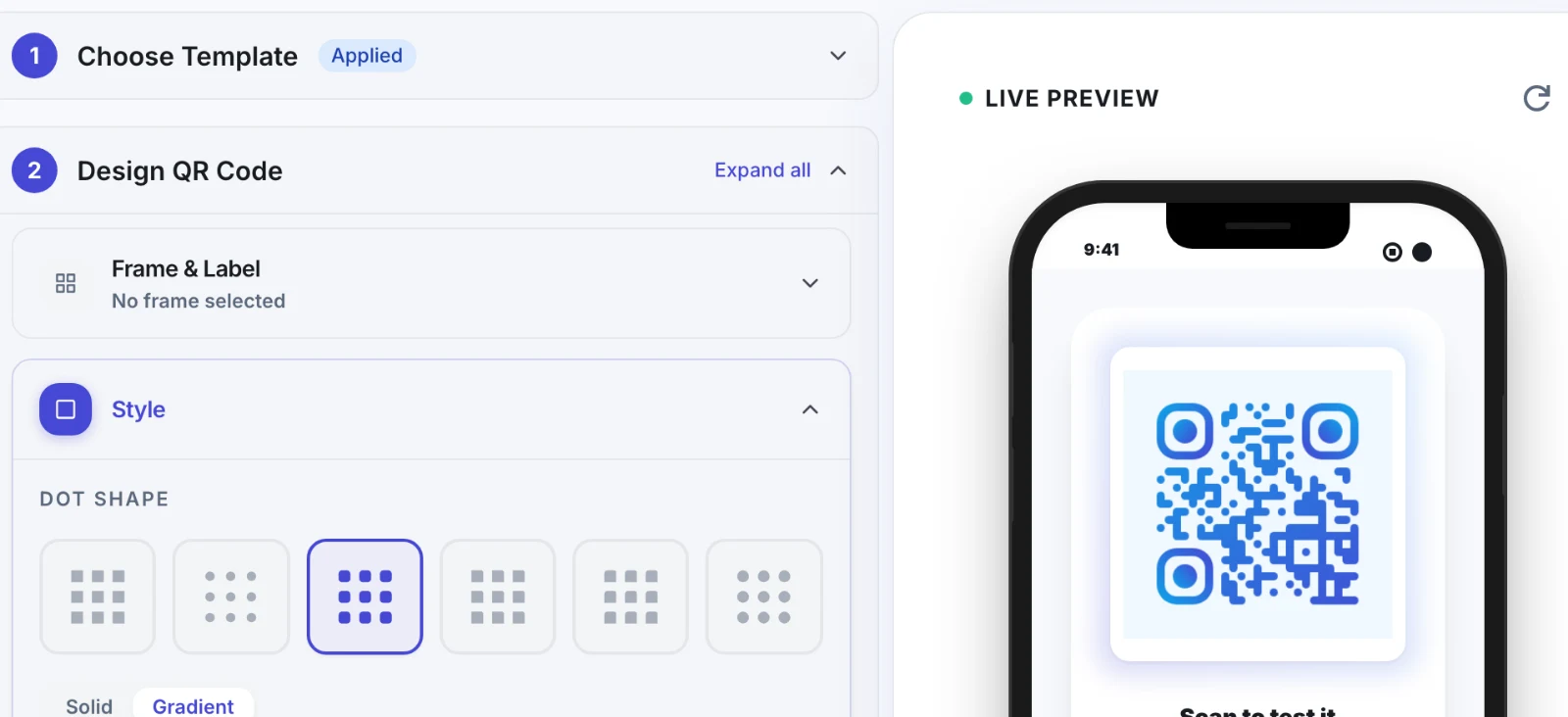
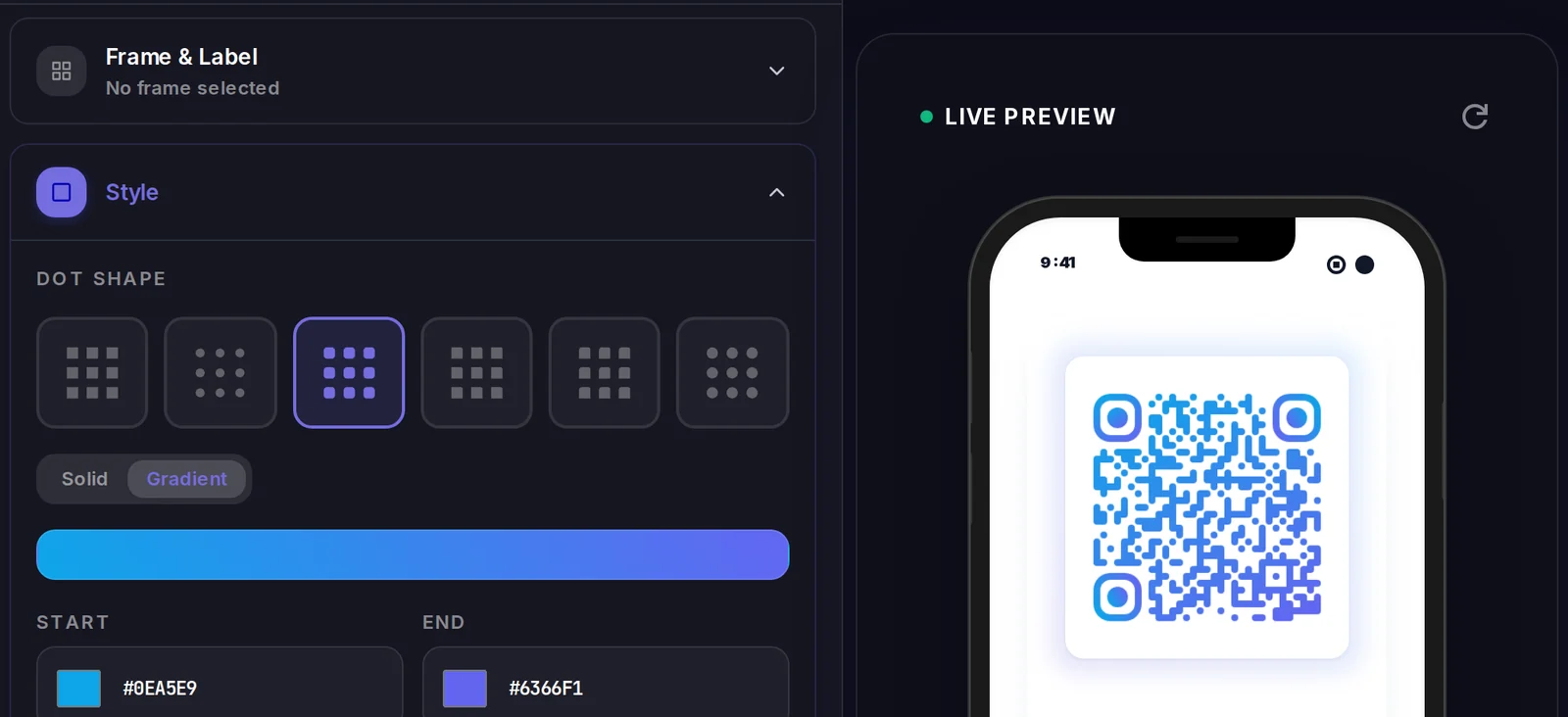
A Phone QR code carries its data inside the code itself, so there is no landing page to design. What you do control is how the code looks.
Popular uses
- Print on a plumber's or electrician's van decal, tool case, and service pamphlet so a passer-by can call without retyping ten digits
- Add to a clinic or diagnostic lab reception card so patients reach the appointment desk in one tap
- Stand a counter-top card in a salon, bakery, or hardware shop for booking and stock enquiries
- Fix to a real-estate yard sign or hoarding so a prospect calls the listing agent while standing in front of the property
- Stick on delivery packaging, an invoice, or a warranty card so customers reach your support line without hunting for a helpline number
Why create your Phone QR code with Qravio
One tap from print to call
The scanner never types a digit, so there is no transposed number and no giving up halfway. It is the shortest possible path from a printed flyer to a ringing phone.
Works offline and never expires
The number lives inside the pattern, not on a server. The code keeps working with no internet, no app, no account, and no subscription, on a sticker you printed years ago.
Free on every plan, and logged out
Phone QR codes are free, watermark-free, and unlimited on Qravio, including on the public generator where you never sign in. Print them commercially with no attribution.
Simple by design, and permanent
The trade-off for that simplicity is real and worth knowing before you print: a phone QR code cannot be tracked and cannot be edited. It will always show zero scans, and a wrong number means a reprint. If you need either, a Business or vCard Plus QR with a Call button gives you an editable number and live scan analytics.
Phone QR code FAQ
Does scanning a phone QR code place the call automatically?
No. The dialer opens with your number pre-filled and the person scanning taps the call button themselves. Every mobile operating system requires that confirmation, so no code can dial on someone's behalf. A few camera apps also show a tap-to-open prompt first, and a desktop webcam scanner may just display the number as text rather than dial it.
Can I see how many people scanned my phone QR code?
No, and this is worth being clear about before you print. A phone QR code is static: the number is encoded in the pattern, so a scan goes straight from the camera to the dialer and never reaches Qravio. There is no scan to record, and the QR will show zero scans in your dashboard forever. If you need those numbers, use a Business or vCard Plus QR with a Call button on its landing page, which is a dynamic code with full scan analytics.
Can I change the number after the code is printed?
No. A static code holds the number in its own pixels, so changing it means generating a new code and reprinting everything that carries the old one. Check the number carefully before a print run, and if the number might change (a new SIM, a shifted branch line, a rotating on-call phone), use a dynamic Business QR whose Call button you can edit at any time.
Should I put my personal mobile number on a public sign?
Think about it first. Anyone who scans the code, and anyone with a QR reader app pointed at your poster, can read the number in plain text. That is not a Qravio setting; it is how the format works, since the number has to be in the code for the dialer to receive it. For a hoarding, a public noticeboard, or anything printed at scale, a shop or business line is usually the safer choice over a personal mobile.
Do I need to include the country code?
Yes, include it. A bare local number such as 9876543210 dials correctly at home but can fail for someone scanning while roaming or travelling from abroad. Enter the full international form, for example +919876543210 for India or +14155550123 for the United States. Spaces, hyphens, and brackets are not valid inside a tel: link, so enter digits with an optional leading plus and nothing else.
Create your Phone QR code
Free to start. No watermark. Make it dynamic to edit it later and track every scan.