

WhatsApp QR Code
A WhatsApp QR code encodes a wa.me deep link containing your phone number (in international format) and an optional pre-written message. When someone scans it, WhatsApp opens directly to a new chat with you, message already typed, so they only have to press send. No saving your number first.
Start a WhatsApp chat, pre-filled
This one opens straight on the scanner's phone, with no page in between — which is why it stays free, and why there are no scans to track.
What dynamic codes do insteadHow a WhatsApp QR code works
The QR stores a link like wa.me/15551234567?text=Hi — your number in full international format plus an optional pre-filled message. Scanning it launches WhatsApp (or WhatsApp Business) on the phone, opening a fresh conversation with that number and the greeting already drafted. The customer just taps send, skipping the contact-saving step entirely.
Make a WhatsApp QR code
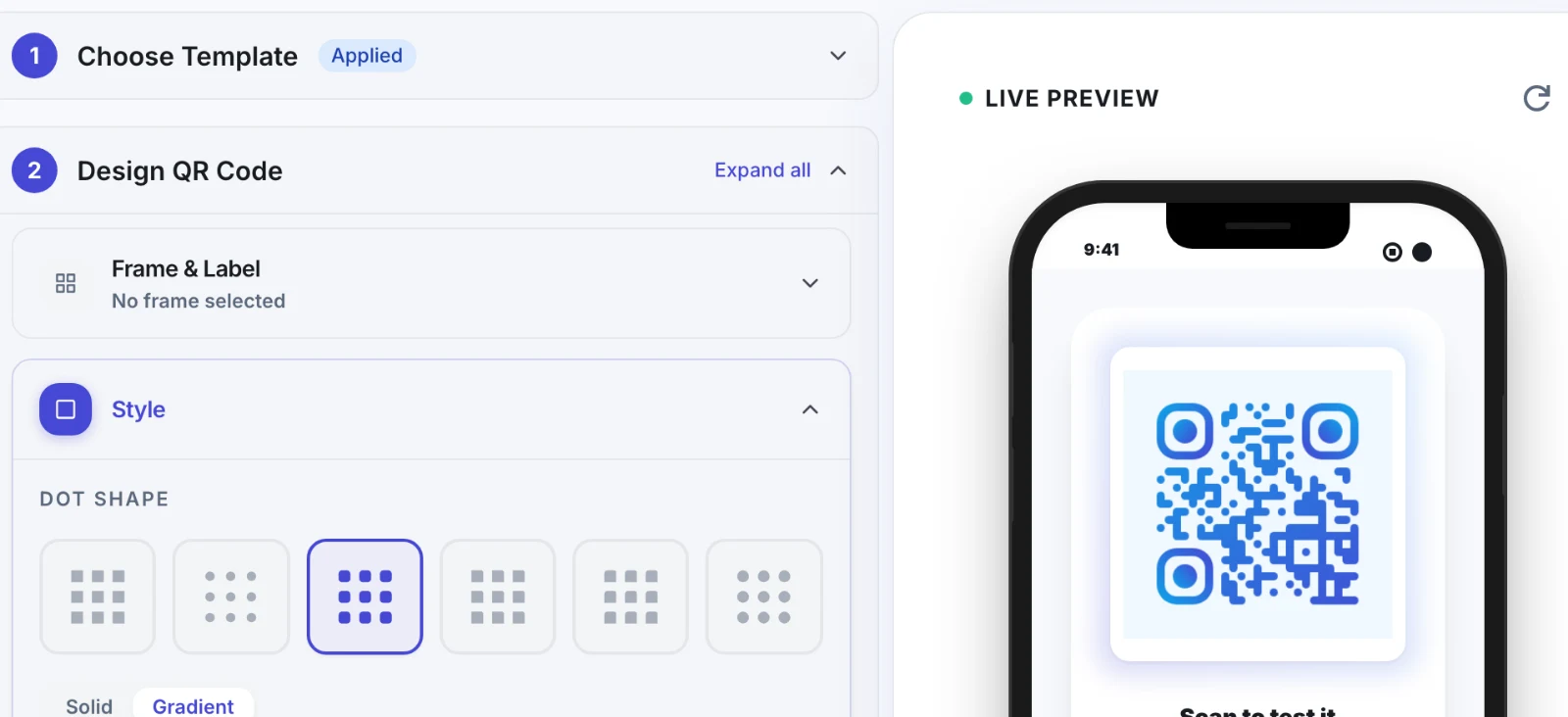
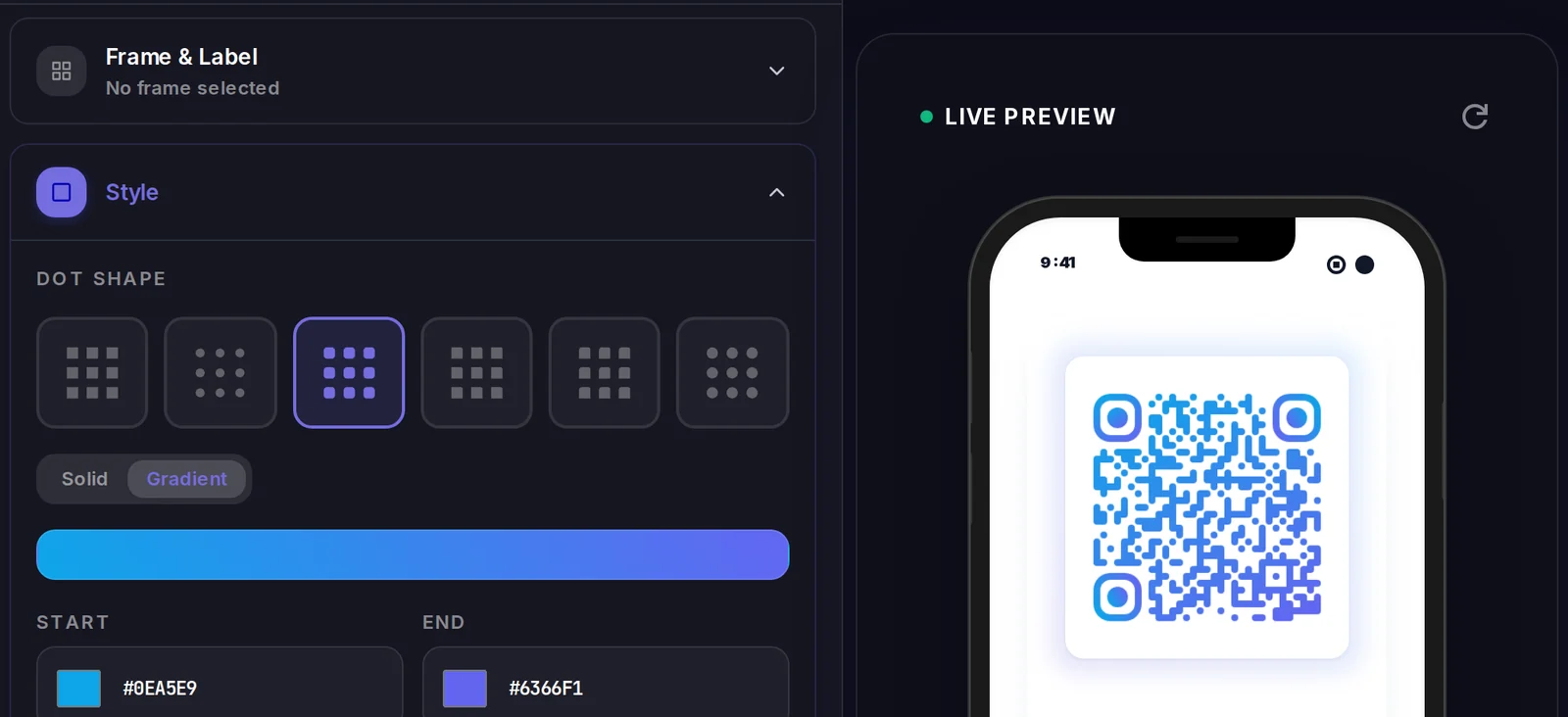
A WhatsApp QR code carries its data inside the code itself, so there is no landing page to design. What you do control is how the code looks.
Popular uses
- Add a 'Chat on WhatsApp' QR to product packaging or receipts for instant customer support
- Print it on table tents or menus so diners can message the restaurant to order or ask questions
- Put it on shop windows and flyers so passersby can start a sales chat after hours
- Include it in email signatures, business cards, and trade-show booths for quick lead capture
- Use a pre-filled message like 'I want to book an appointment' to route enquiries faster
Why create your WhatsApp QR code with Qravio
No contact-saving friction
Scanners go straight into a chat without first adding your number to their phone, removing the biggest drop-off point in getting people to message you.
Pre-filled messages start the conversation
Seed the chat with text like 'I'd like a quote for…' so customers reach out with intent and you instantly know why they're contacting you.
Works with WhatsApp Business
Point the code at your WhatsApp Business number to use catalogues, quick replies, and away messages for the incoming conversations it drives.
Free and watermark-free with Qravio
Generate a clean, high-resolution WhatsApp QR code at no cost — no logo, no watermark, and no account required for the static version.
WhatsApp QR code FAQ
Do people need to save my number before they can message me?
No. Scanning a WhatsApp QR code opens a chat with your number automatically, so the person can message you without saving the contact first.
How do I format my phone number for a WhatsApp QR code?
Use full international format with the country code and no plus sign, spaces, or dashes — for example 15551234567 for a US number or 919876543210 for India.
Can I include a pre-written message in the QR code?
Yes. You can add a default message that appears already typed in the chat box. The scanner only needs to tap send, which makes them more likely to actually message you.
Can I change the number or message after sharing the QR code?
A standard WhatsApp QR code is static, so the number and message are baked in and can't be edited after printing. To swap them later, create a dynamic redirect QR with Qravio that points to your wa.me link and stays editable.
Create your WhatsApp QR code
Free to start. No watermark. Make it dynamic to edit it later and track every scan.