

Text QR Code Generator
A text QR code stores a plain-text message directly inside the QR pattern itself. When scanned, the phone's camera instantly displays the words on screen with no internet connection or website needed. It's ideal for short notes, instructions, codes, or messages you want anyone to read offline by pointing their camera.
Show a message, no internet needed
This one opens straight on the scanner's phone, with no page in between — which is why it stays free, and why there are no scans to track.
What dynamic codes do insteadHow a Text QR code works
The text you type is encoded straight into the QR code's pixels rather than pointing to a link. When someone scans it, their default camera app reads the raw characters and shows the full message right in the scan notification, working completely offline. Because the content lives in the code, longer messages create denser patterns.
Make a Text QR code
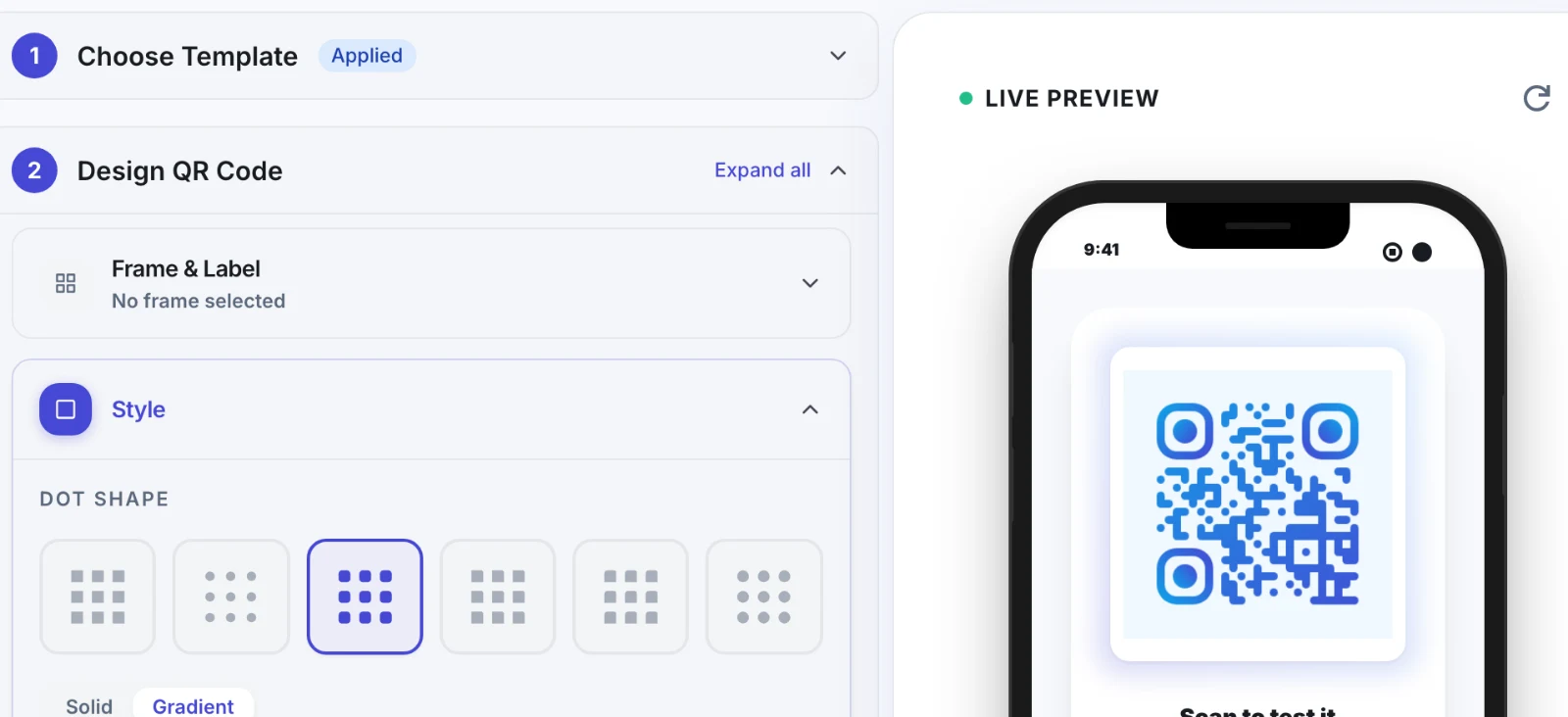
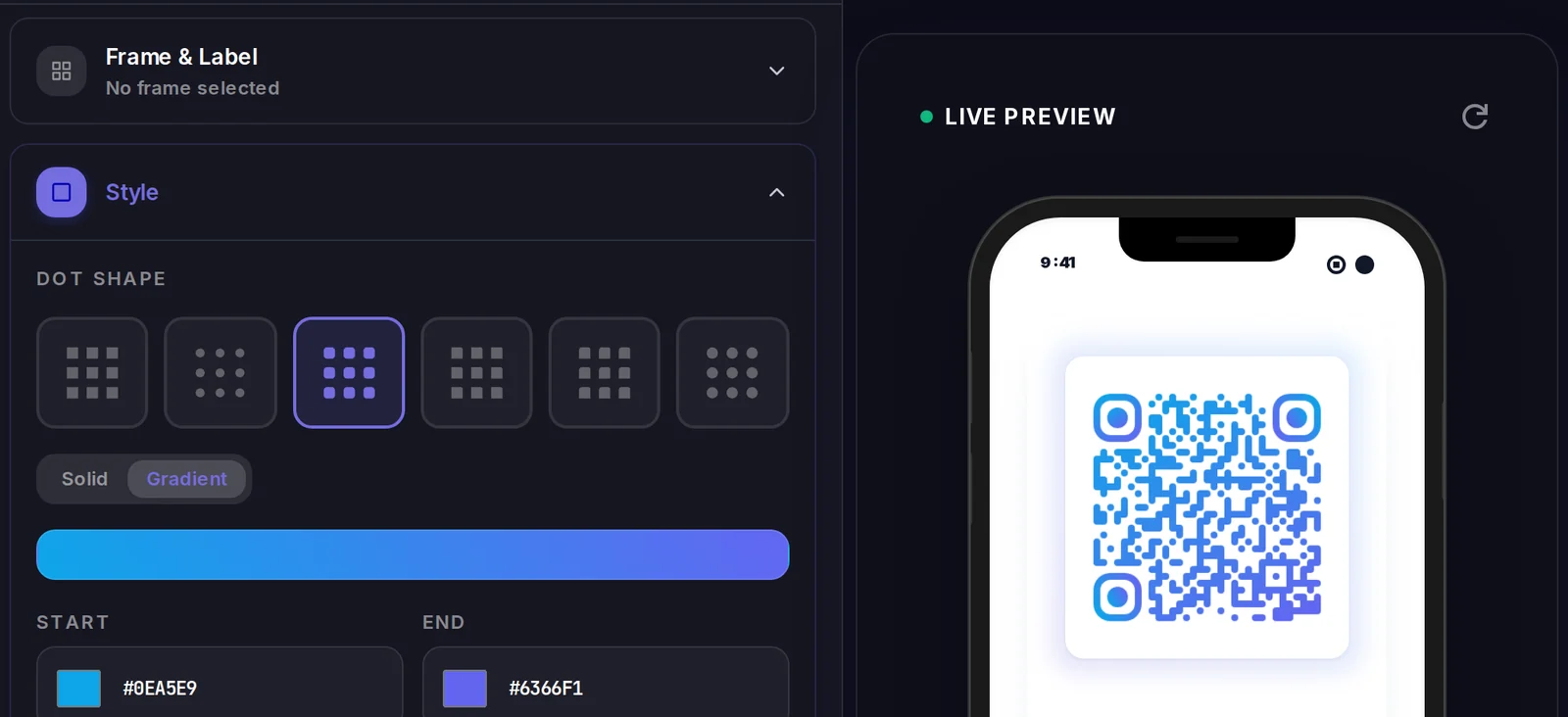
A Text QR code carries its data inside the code itself, so there is no landing page to design. What you do control is how the code looks.
Popular uses
- Display safety or operating instructions next to equipment that staff can read offline
- Share a serial number, coupon code, or password as scannable text
- Post a short multilingual notice or announcement on a wall or door
- Leave a private message or note inside a gift or package
- Show product care or assembly tips on packaging without a website
Why create your Text QR code with Qravio
Works fully offline
The message is baked into the QR pattern, so it displays instantly on scan with zero internet, zero hosting, and no landing page to load.
Instant and private
No redirect, no tracking server, no third-party link. The reader sees exactly the text you wrote, the moment they point their camera at it.
Free with no watermark
Generate a clean, high-resolution text QR code on Qravio with no signup, no account, and no logo stamped on your code, ever.
Universal compatibility
Every modern phone camera reads plain-text QR codes natively, so anyone can scan and read your message without installing a special app.
Text QR code FAQ
What happens when someone scans a text QR code?
The phone's camera reads the encoded characters and shows the full message right on screen, usually in the scan preview or notification. No website opens and no internet is required because the text lives inside the code itself.
Can I edit a text QR code after printing it?
No. A text QR code is static, meaning the message is permanently encoded in the pattern. If you need to change the content later, use a dynamic QR type like a website or page QR, which lets you update the destination without reprinting.
How much text can a QR code hold?
A QR code can technically hold a few thousand characters, but shorter messages are best. The more text you add, the denser and harder to scan the code becomes, so keep it concise for reliable scanning, ideally a sentence or two.
Is the Qravio text QR code generator really free?
Yes. You can create a plain-text QR code instantly with no signup, no payment, and no watermark. It is generated in your browser and yours to download and use anywhere, including commercially.
Create your Text QR code
Free to start. No watermark. Make it dynamic to edit it later and track every scan.