

Email QR Code
An email QR code encodes a mailto: link containing a recipient address and, optionally, a pre-written subject line and body. When scanned, the phone opens its default email app with a new message already addressed and filled in, so the user only has to tap Send instead of typing the address manually.
Open a pre-written email
This one opens straight on the scanner's phone, with no page in between — which is why it stays free, and why there are no scans to track.
What dynamic codes do insteadHow a Email QR code works
The code stores a standard mailto: URI such as mailto:[email protected]?subject=Quote%20request&body=Hi. A phone camera reading it launches the default mail client (Gmail, Apple Mail, Outlook) with the To, Subject, and Body fields already populated. Because the email type is static, the address and message are baked permanently into the QR pattern at the moment you generate it.
Make a Email QR code
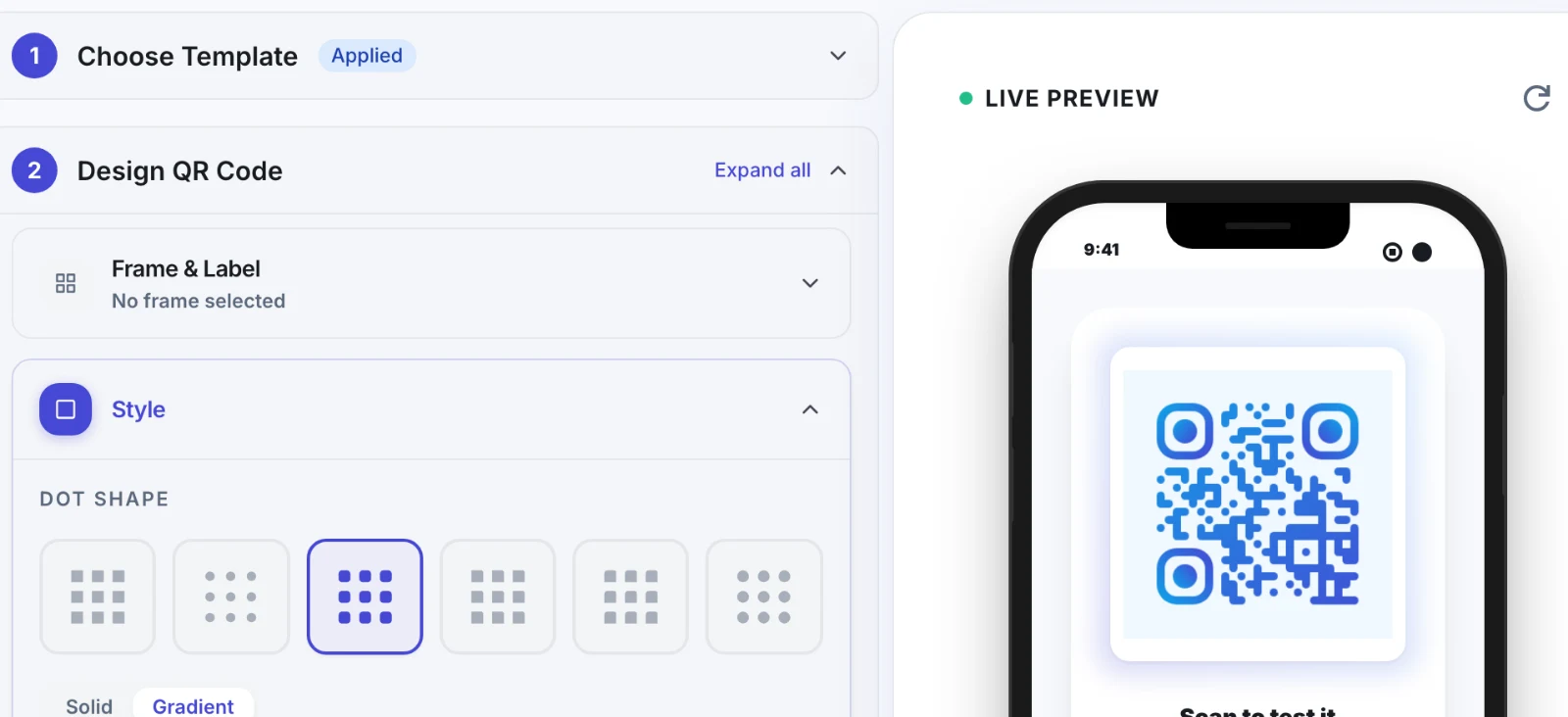
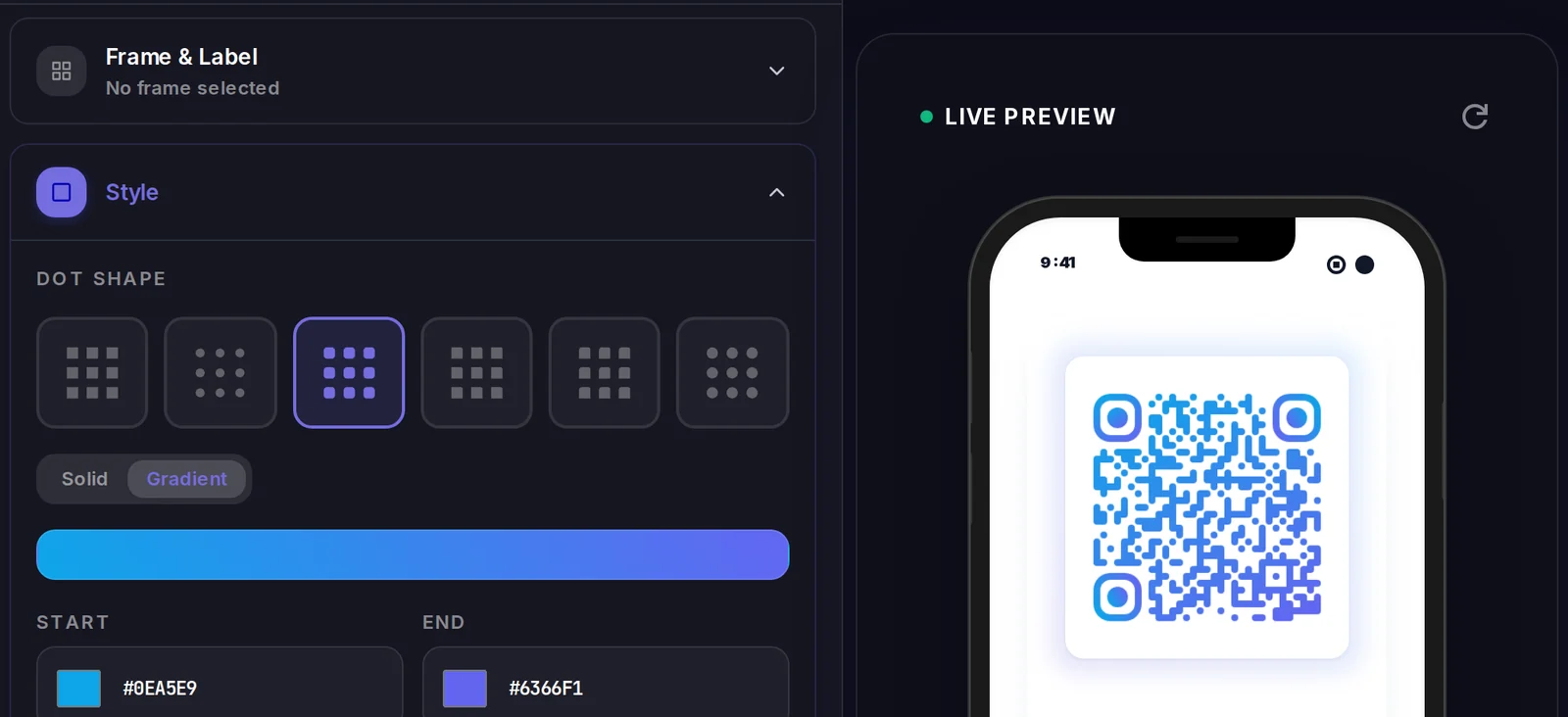
A Email QR code carries its data inside the code itself, so there is no landing page to design. What you do control is how the code looks.
Popular uses
- Print a 'request a quote' code on flyers so prospects reach sales with one tap
- Add a support-email QR to product packaging or warranty cards
- Let event attendees email organizers without copying an address from a slide
- Put a pre-filled feedback email on restaurant tables or receipts
- Help customers email a specific department by encoding a tailored subject line
Why create your Email QR code with Qravio
Zero typos, zero typing
The recipient address is encoded exactly once, so nobody mistypes it. Scanners get a ready-to-send draft instead of squinting at an address printed on paper.
Pre-fill subject and body
Add a subject line and message template so incoming emails land sorted and consistent, making it easy to route quote requests, support tickets, or feedback.
Works with every mail app
Because it uses the universal mailto: standard, the code opens Gmail, Apple Mail, Outlook, or any default client on iOS and Android. No app or account is required to scan it.
Free and watermark-free
Generate an email QR code instantly with Qravio's free tool. No signup, no watermark, and no expiry. Download a high-resolution PNG or SVG ready for print.
Email QR code FAQ
Does an email QR code send the email automatically?
No. Scanning opens the user's mail app with the To, Subject, and Body fields pre-filled, but the person still reviews the draft and taps Send themselves. This is a privacy and anti-spam safeguard built into how mailto: links work.
Can I change the email address after I print the code?
Not with a static email QR code, since the address is encoded directly into the pattern. If you expect the address to change, create a dynamic QR that redirects to a mailto: link instead, so you can edit it anytime without reprinting.
Can I include a subject and message body?
Yes. You can encode a subject line and a body template alongside the recipient address. The mail app fills those in automatically, which helps you sort incoming messages and gives senders a head start on what to write.
Do I need an app to scan an email QR code?
No. The native camera on modern iPhones and Android phones recognizes QR codes and prompts to open the email. No separate scanner app or Qravio account is needed to use it.
Create your Email QR code
Free to start. No watermark. Make it dynamic to edit it later and track every scan.